CONTENTS
USER’S MANUAL
87
USB Dock Connection
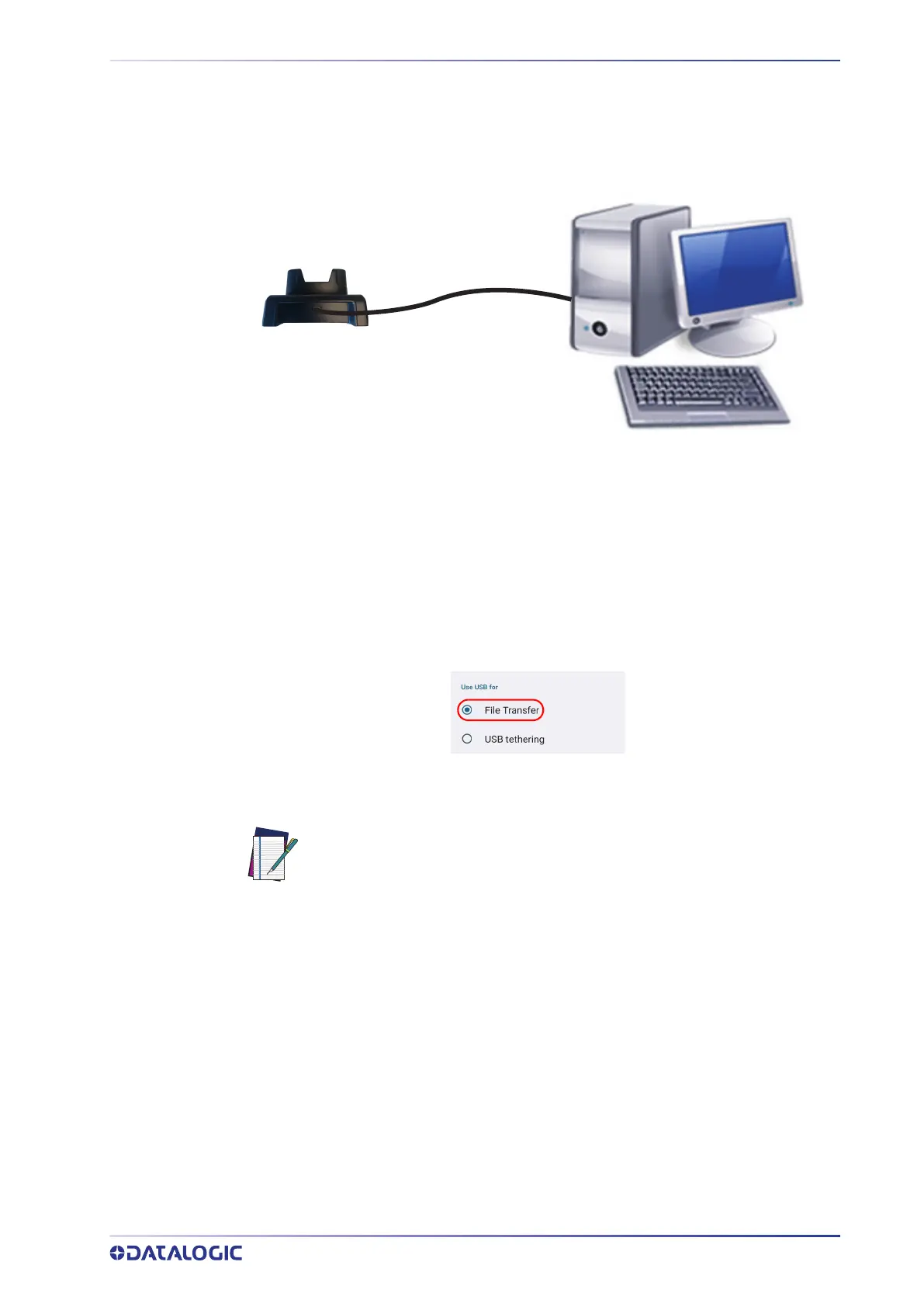
You can use a standard USB Type-C cable (not included in the box) to directly connect
the Memor 30/35 to a host computer and transfer data through the USB interface.
1. Turn on the host computer.
2. Connect the dock to the host computer by means of a standard USB type-C cable.
3. Turn on the Memor 30/35.
4. Insert the Memor 30/35 into the dock.
5. Scroll down the notification bar, tap the charging notification and change to File
Transfer.
6. The device is now visible in your PC as a USB disk. You can start the data transfer.
NOTE: When the device is inserted into the dock, all ongoing USB connec-
tions shall be kept until the corresponding port is unplugged.
Single Slot Dock
Host Computer
USB Type-C cable



 To Next Page