86
MEMOR™ 30/35 FAMILY
CONNECTIONS
USB CONNECTION
USB Direct Connection
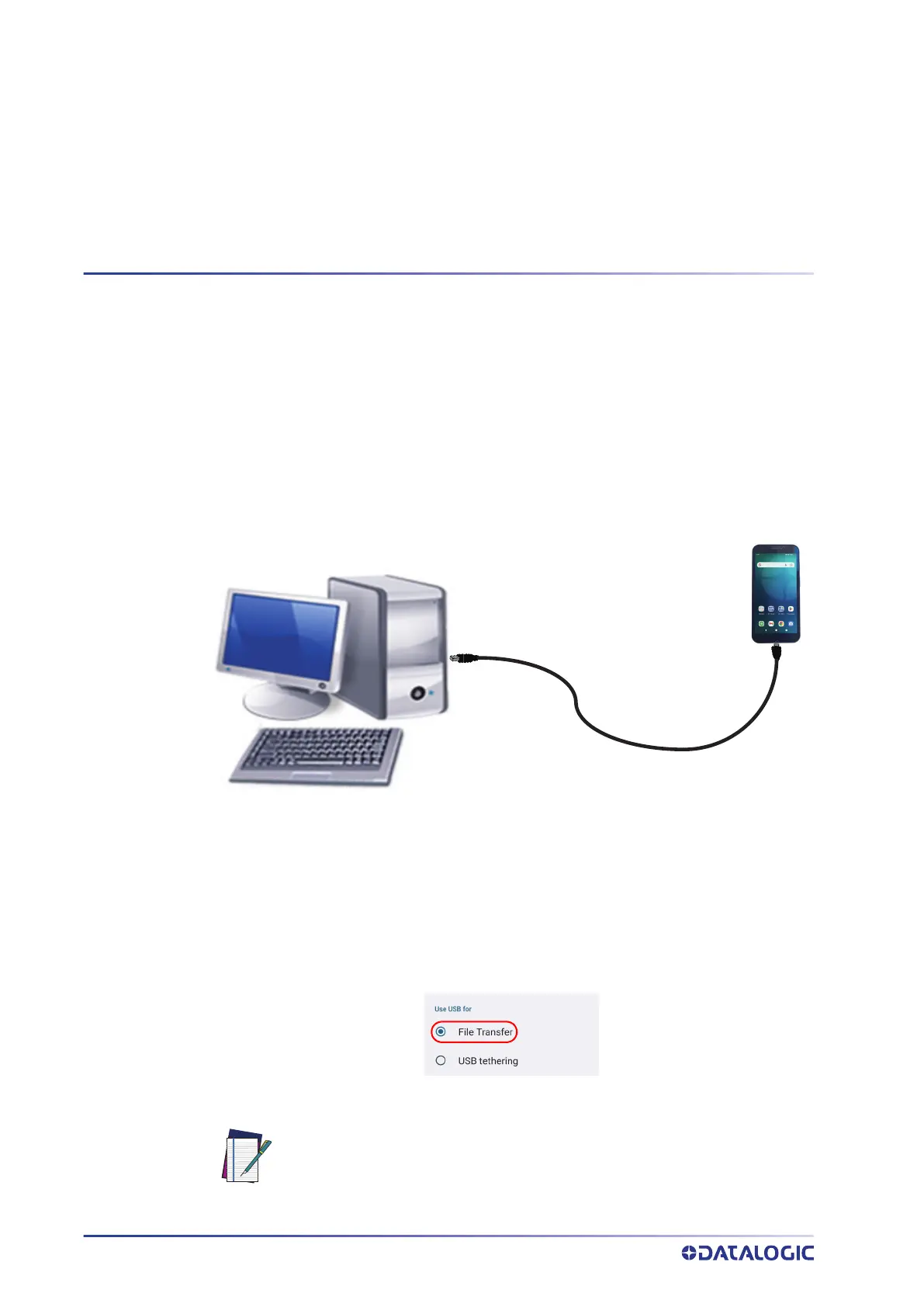
You can use a standard USB Type-C cable (not included in the box) to directly connect to
directly connect the Memor 30/35 to a host computer and transfer data through the
USB interface.
1. Turn on the Memor 30/35.
2. Turn on the host computer.
3. Connect the device to the host PC via USB cable.
4. Scroll down the notification bar, tap the charging notification and change to File
Transfer.
5. The device is now visible in your PC as a USB disk. You can start the data transfer.
NOTE: Connection through the cable complies to USB Type-C standard.
Host Computer
Memor 30/35
USB Type-C cable



 To Next Page