CONTENTS
USER’S MANUAL
85
Models with DE2121-ER
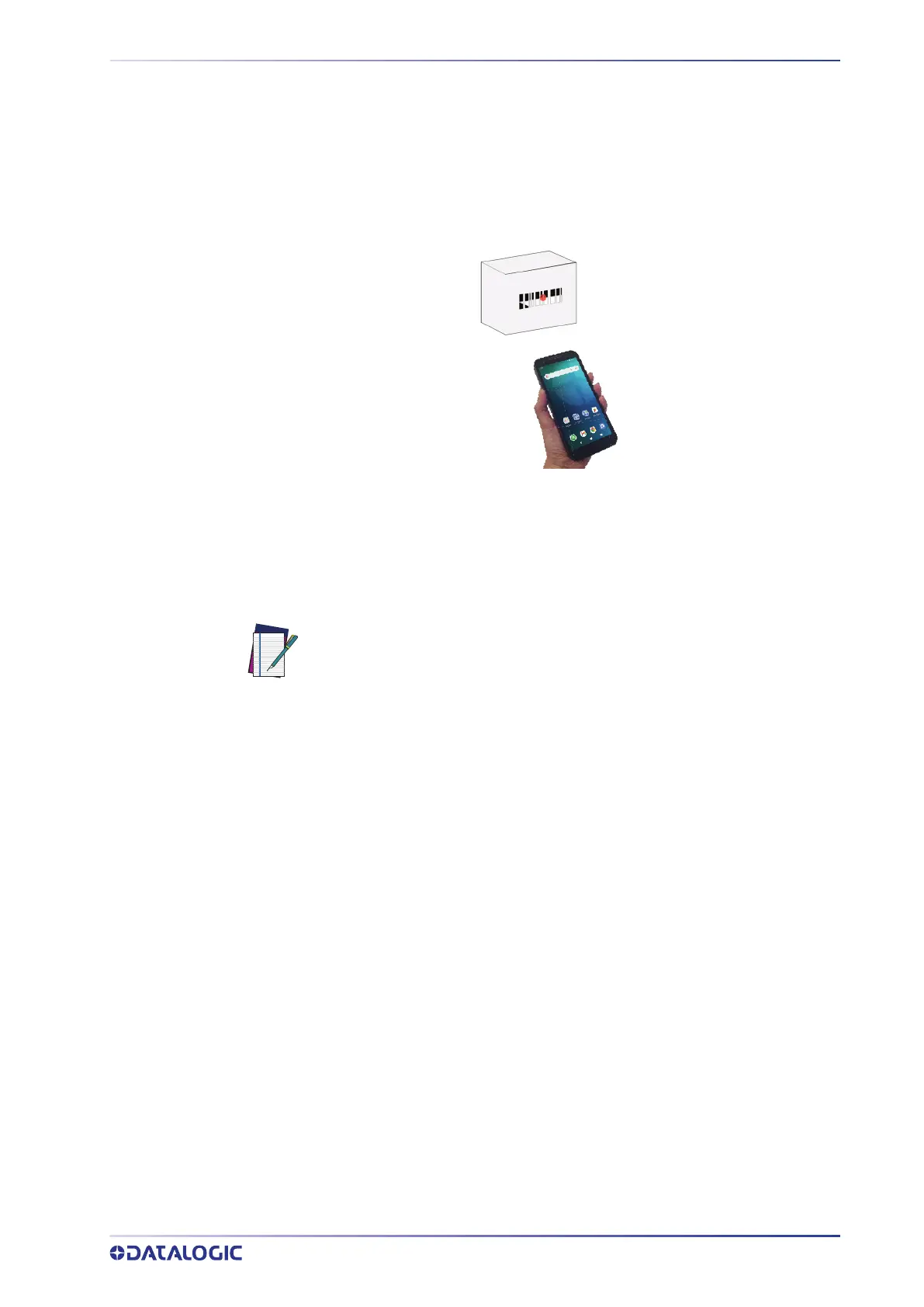
To scan a bar code symbol:
1. Point the scan window at the barcode.
2. Press one of the scan triggers. A red laser aiming spot illuminates the symbol,
which is captured and decoded.
If the scan has been successful:
• If enabled, the good read beep plays.
• If enabled, the GreenSpot projects a green spot onto the bar code image.
• If enabled, the good read indicator glows solid green.
NOTE: In models with DE2121-ER scan engine the green spot is visible on
short range.



 To Next Page