CONTENTS
USER’S MANUAL
49
Keyboard & Triggers
Lock Keyboard Input
If enabled, it locks user input from the keyboard.
Triggers
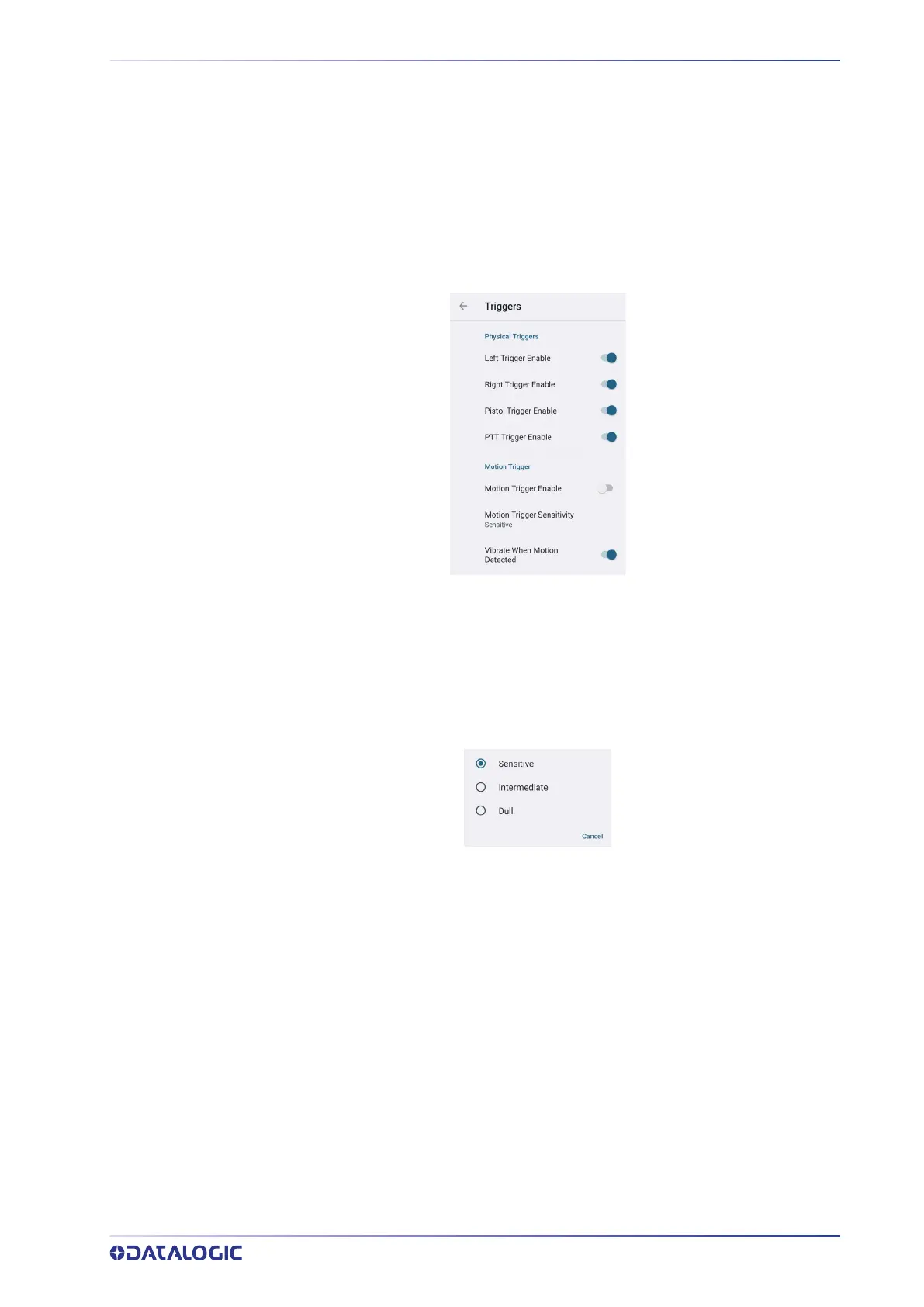
Tap Triggers to enable/disable the trigger keys. The physical triggers are enabled by
default.
Motion Trigger
Barcode reading can be triggered by any rapid movement of the Memor 30/35. Tap
Motion Trigger Enable to automatically read barcodes with the described specific ges-
ture, without pressing any trigger button.
Tap Motion Trigger Sensitivity to select the intensity/amplitude/rapidity of the move-
ment at which the device will automatically start scanning barcodes.
Select Vibrate When Motion Detected to enable the vibrator.



 To Next Page