CONTENTS
36
MEMOR™ 30/35 FAMILY
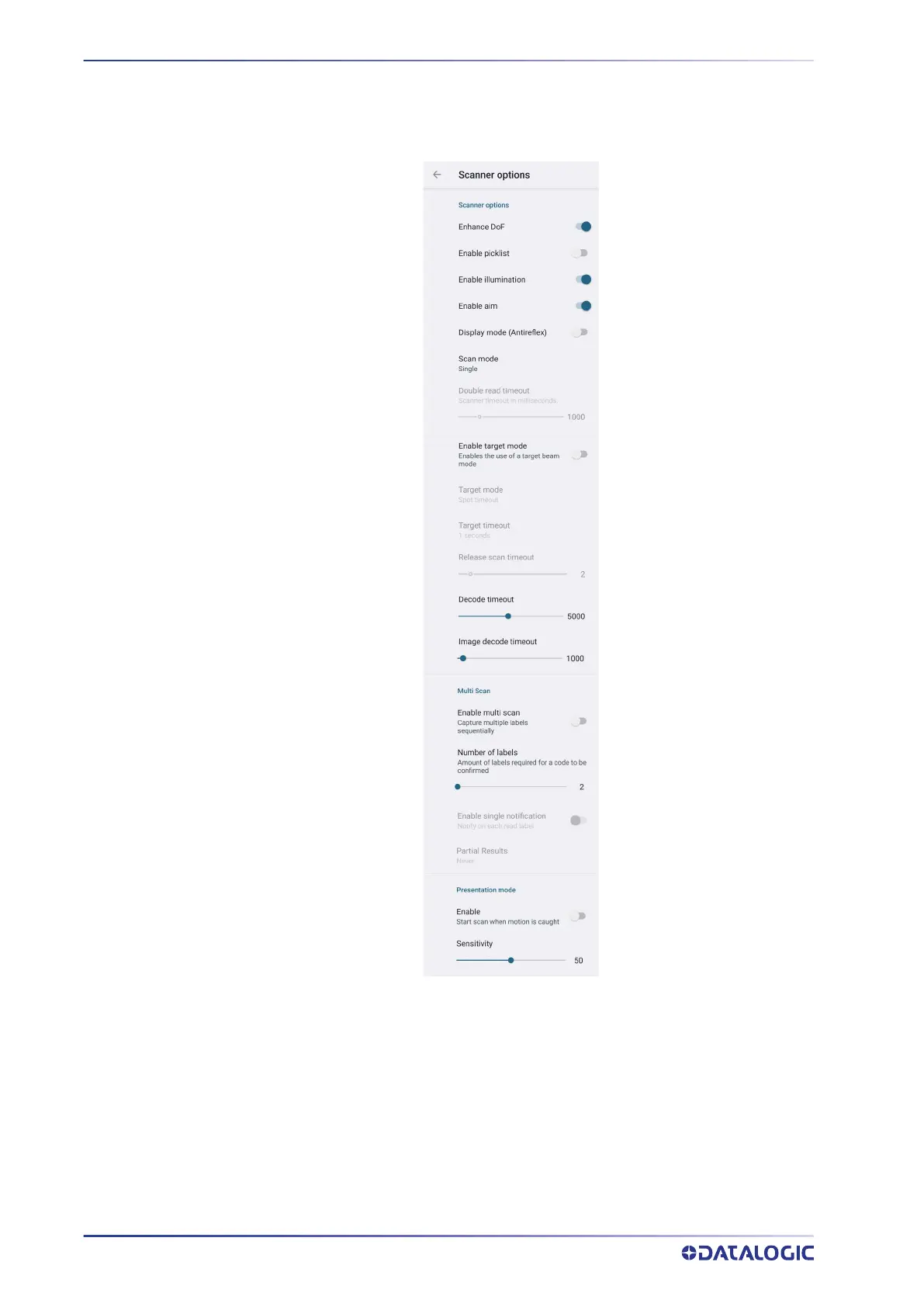
Scanner Options
Tap Scanner Options to customize the Memor 30/35 scanning behavior.
Enhance DoF
If enabled, allows to enhance the maximum reading distance.
Enable Picklist
If enabled, it allows you to pick and decode a barcode from multiple barcodes printed
close together, when the scan illumination intersects more than one barcode. Only the
targeted barcode will be returned.
Enable Illumination
If enabled, it causes the scanner to turn on the illumination to aid decoding.



 To Next Page