CONTENTS
USER’S MANUAL
37
Enable Aim
Enables the laser aim.
Display Mode (Antireflex)
Optimizes the reading of a barcode from a screen.
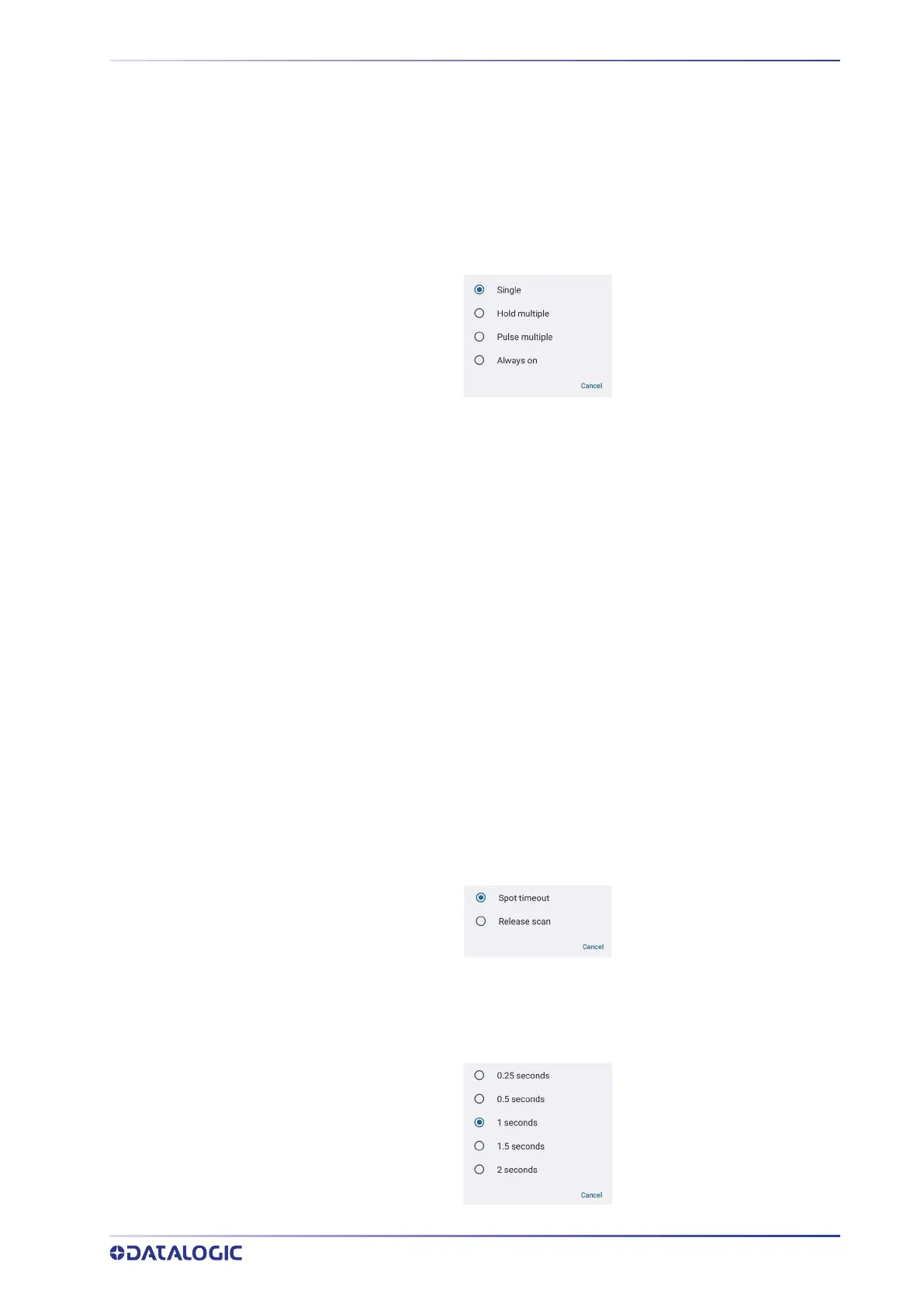
Scan Mode
Selects the scan operating mode for the reader.
Single
When the trigger is pulled, scanning is activated until one of the following occurs:
• a label has been read
• the trigger is released
• the decode timeout has elapsed.
Hold Multiple
When the trigger is pulled, the device scans barcodes until the trigger is released or the
decode timeout has elapsed.
Pulse Multiple
When the trigger is pulled, continuous scanning is activated until the decode timeout
has elapsed or the trigger has been released and pulled again.
Always On
No trigger pull is required to read a bar code. Scanning is continually on.
Enable Target Mode
If enabled, when the scan button is pressed, the scanner will project an aiming pattern
to assist in centering over the barcode before scanning.
Tap Target mode to select the desired targeting behavior:
Spot Timeout
Scanning takes place after a programmable time upon pressing the scan button. Tap
Target timeout to set the duration of the spot:



 To Next Page