CONTENTS
38
MEMOR™ 30/35 FAMILY
Release Scan
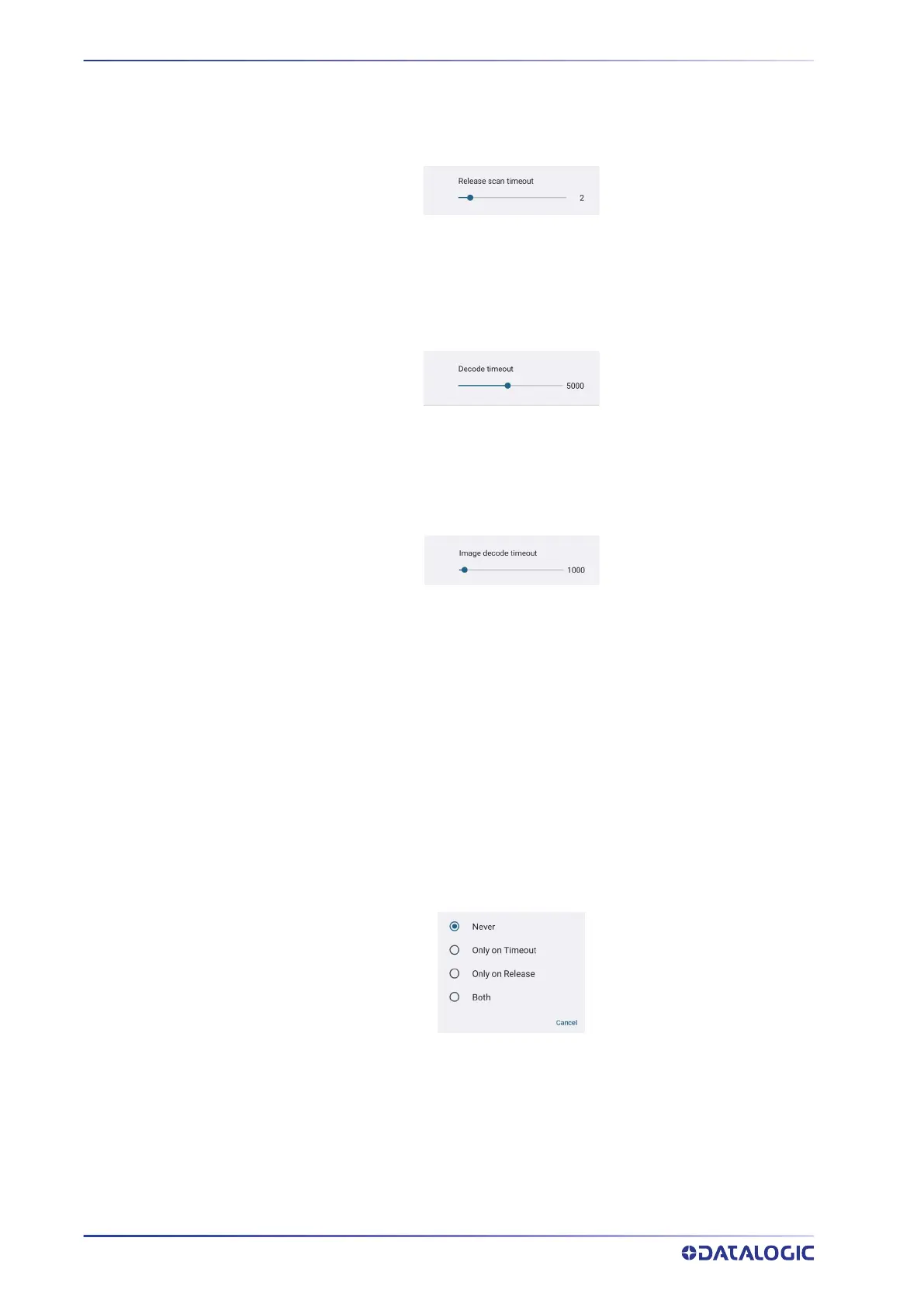
Scanning takes place after the scan button is released. Drag the Release scan timeout
slider to set the scanning timeout after releasing the scan button:
Decode Timeout
Drag the Decode timeout slider to set the maximum amount of time the scanner
attempt to decode after target timeout (in case Spot Timeout is enabled) or after the
scan button is pressed (in case Target mode is disabled):
Image Decode Timeout
You can share any image (picture, jpg/png, etc.) with the Datalogic Service to try to
decode it. Drag the Image decode timeout slider to set the decode timeout applied
with image decoding.
Enable Multi Scan
If selected, the scanner captures multiple labels sequentially.
Number of Labels
Drag the slider to indicate the amount of labels required for a code to be confirmed.
Enable Single Notification
If selected, it enables indicators for each label, in order to get an intermediate notifica-
tion for each label decoded.
Partial Results
When multi scan mode is enabled, it selects the behaviour when partial results are pres-
ent.
Never
The decoding session is ended successfully and all the collected labels are returned
together, only if the Number of Labels is reached.
Only on Timeout
The decoding session is ended successfully and all the collected labels are returned
together, only if the decode timeout has elapsed.



 To Next Page