CONTENTS
USER’S MANUAL
19
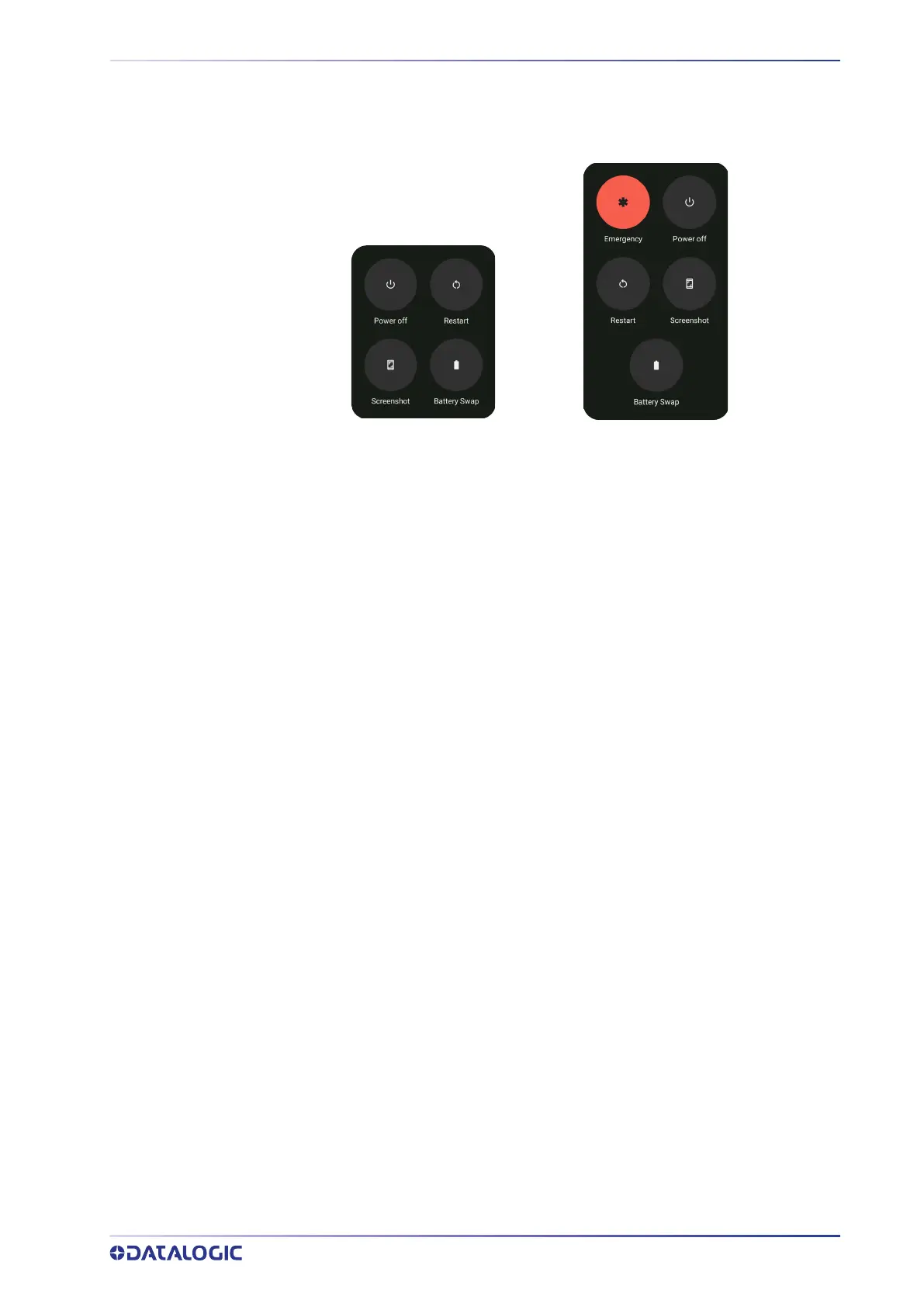
LONG PRESS POWER MENU
Press and hold the Power button until the Long Press Menu menu displays:
Emergency
Tap Emergency to make an emergency call.
Power Off
Tap Power Off to turn off the terminal. When you turn off the terminal, the session you
are working on expires and it won't be possible to restore it.
Restart
Tap Restart to restart the terminal.
Screenshot
Tap Screenshot to take a screenshot.
Battery Swap
See "Battery Swap" on page 20.
SGVWF Models
SGVNR/SGVNRNA Models



 To Next Page