CONTENTS
USER’S MANUAL
67
DISPLAY
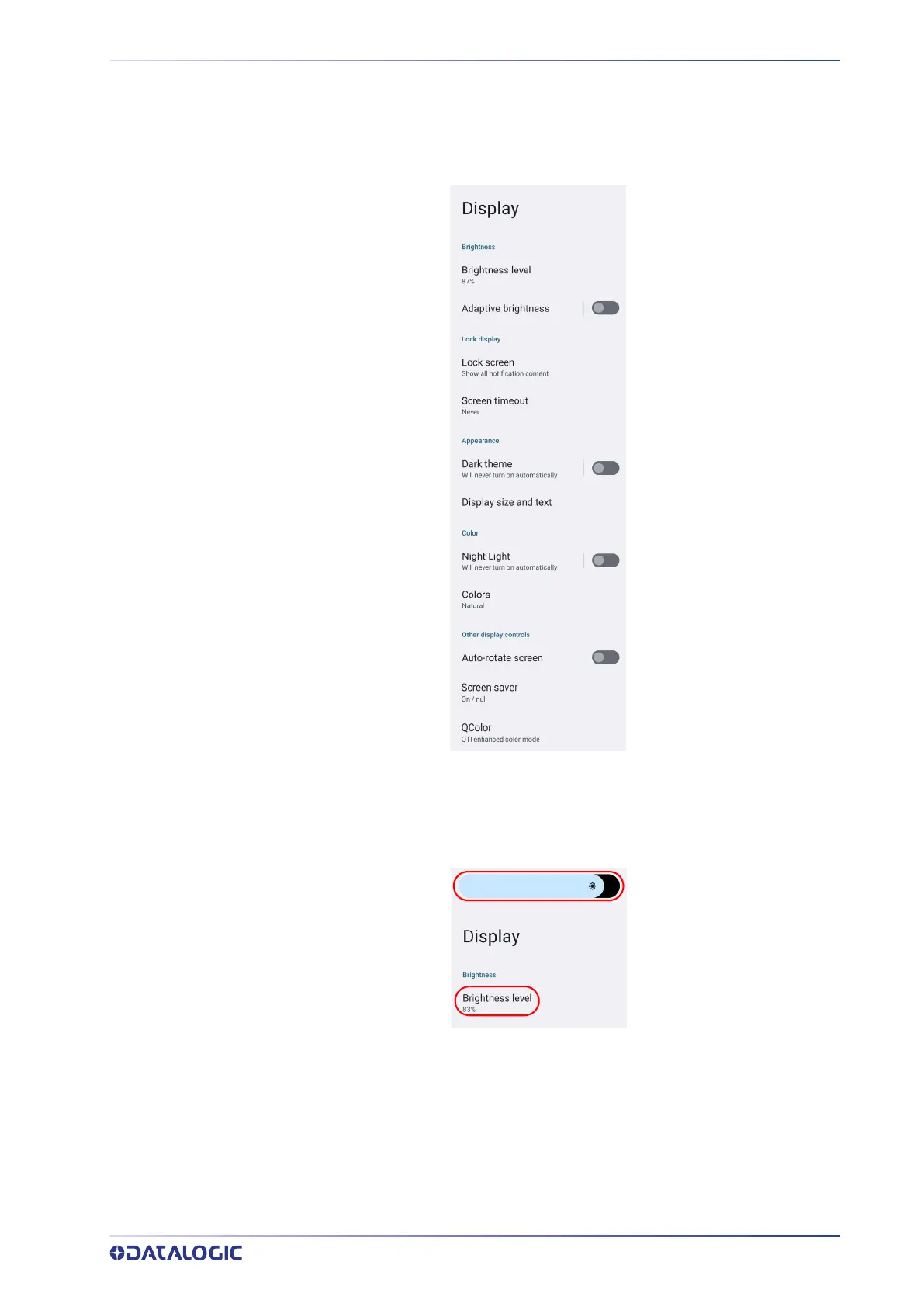
Use the Display settings to set the screen brightness and theme, enable night light,
change the screensaver, enable screen rotation, set display and font size.
Brightness Level
Tap Brightness level and use the slider at the top of the screen to adjust the screen
brightness level.
Adaptive Brightness
If enabled, your screen brightness will automatically adjust to your environment.
Lock Screen
Tap to customize your lock screen.



 To Next Page