CONTENTS
64
MEMOR™ 30/35 FAMILY
CONNECTED DEVICES
Bluetooth Settings
To create a Bluetooth® pairing between your device and another device that has Blue-
tooth® capabilities, ensure that the two devices are turned on, discoverable, and within
operable range.
Enable Bluetooth®
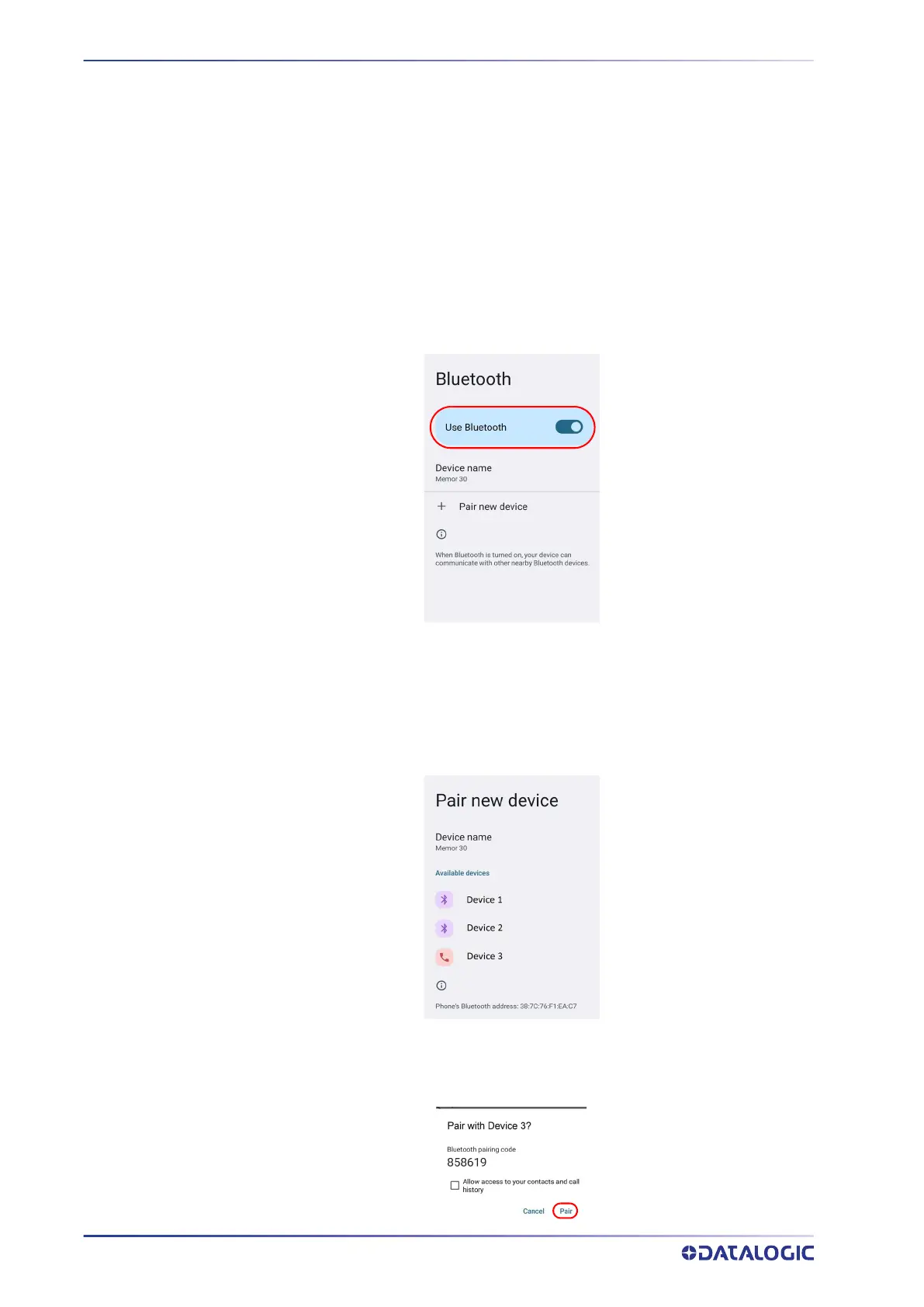
To enable/disable Bluetooth® connection, tap Settings > Connected Devices > Connec-
tion preferences > Bluetooth > Use Bluetooth.
Connect to Other Bluetooth® Devices
1. Tap Pair new device. The device automatically starts searching for discoverable
devices.
2. Swipe up the list and select a device. The Bluetooth pairing request dialog box
displays on the screen:



 To Next Page