CONTENTS
USER’S MANUAL
31
If Audio file is selected, the option Good read audio file displays. Tap it to select the file
you want to use as good read ringtone.
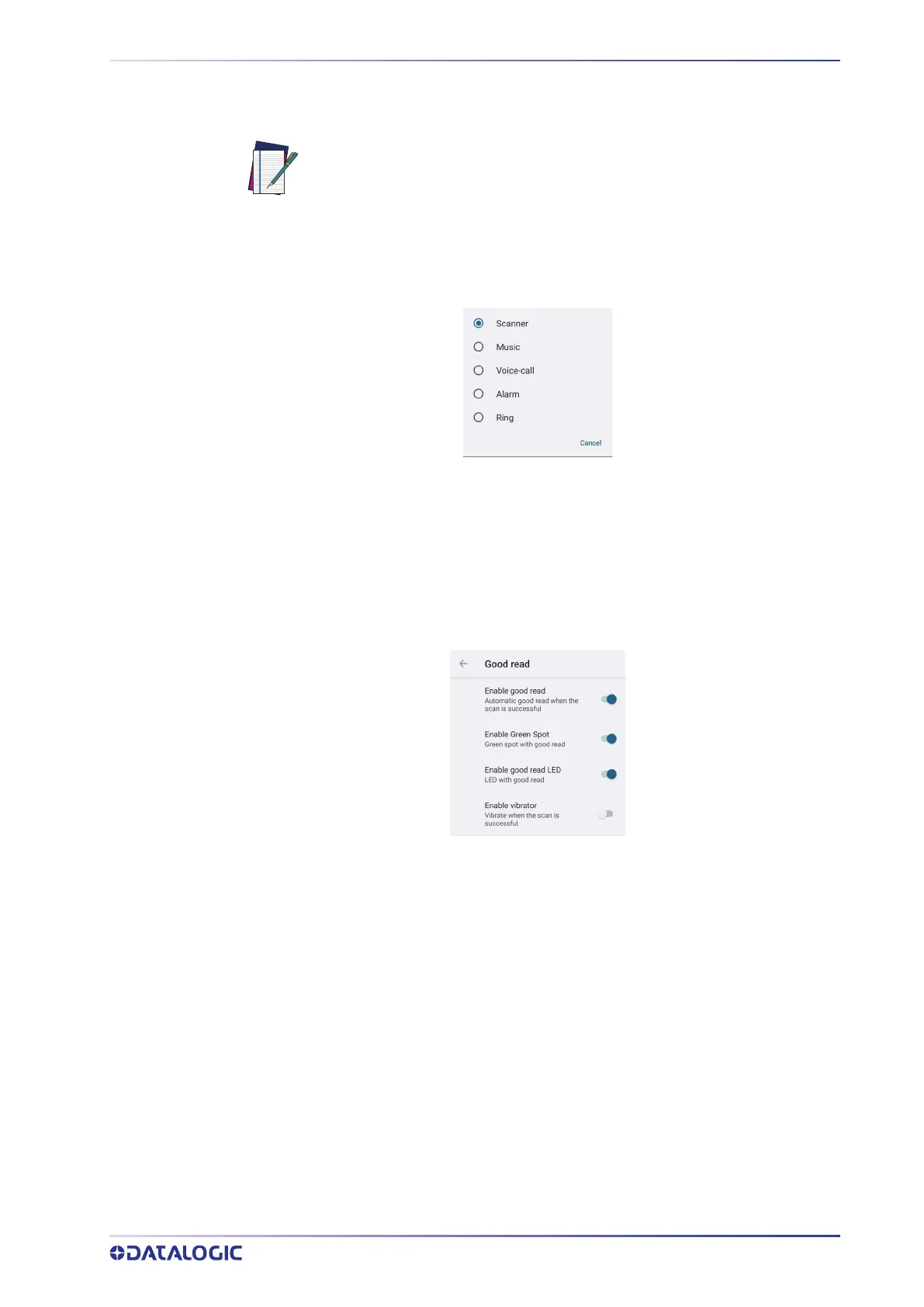
Good Read Audio Channel
Allows to select the audio channel to be used for scanner notifications.
Good Read Audio Volume
Sets the volume of beep tone or audio file (if enabled).
Good Read
Use it to enable good read notifications (LED, Green Spot, Vibrator):
NOTE: The Notification settings do not apply to an audio file.



 To Next Page