CONTENTS
80
MEMOR™ 30/35 FAMILY
SoftSpot Appearance
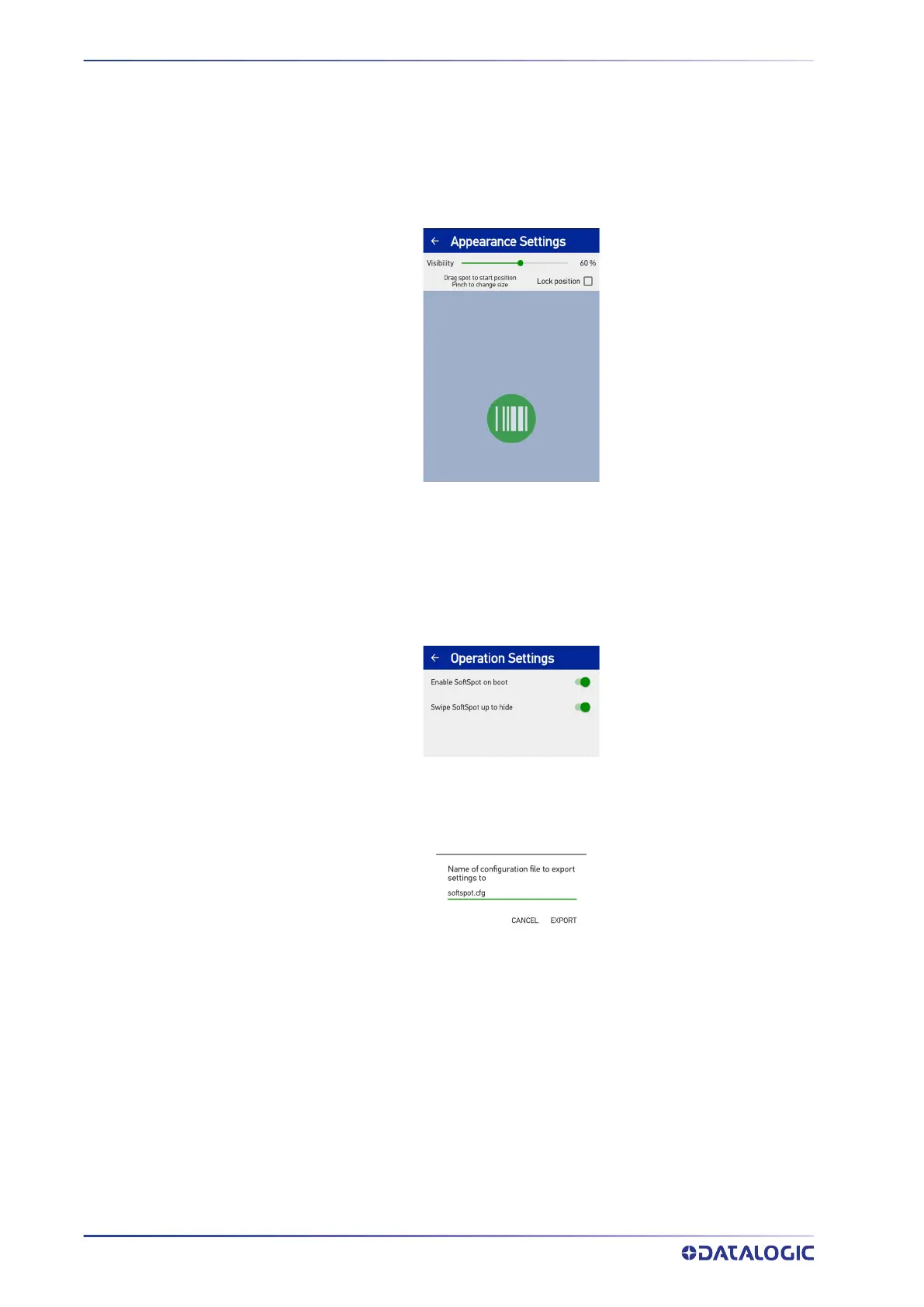
Tap SoftSpot Appearance and drag the Visibility slider to set the SoftSpot transparency
level.
Pinch to change the SoftSpot size.
Flag the Lock position checkbox to lock the position of the SoftSpot on your screen.
SoftSpot Operation
Tap SoftSpot Operation to:
• Enables SoftSpot on boot.
• Enables the swipe up to hide feature, that allows to hide the SoftSpot from the
screen by swiping it up in the Notification/Status bar.
Export to File
Allows to export your settings to a configuration file.
Reset Settings
Resets SoftSpot settings to default.



 To Next Page