CONTENTS
USER’S MANUAL
47
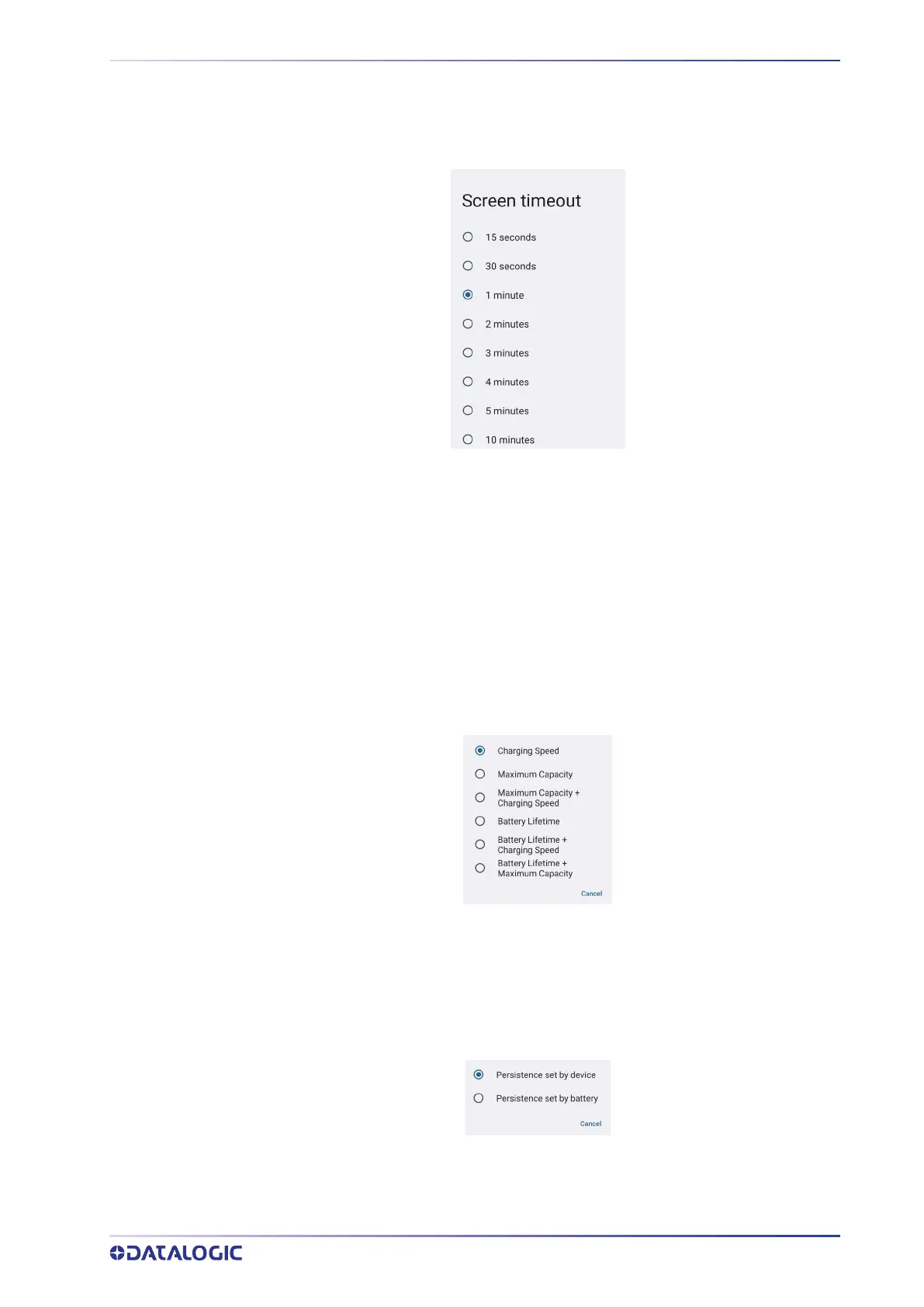
2. Tap Settings > Display > Screen timeout to set the number of seconds without
user input activity before the system is suspended while running on either battery
power or external power.
If you use the Screen timeout page to set the auto-suspend timeouts, the Display page
will display the Suspend on internal battery timeout if no external power is connected;
if the device is connected to an external power source (USB or dock), it will display the
Suspend on external power timeout.
Charging Policies
Battery Charging Profile
This setting allows to customize the charging process according to the user's needs and
priorities.
You can configure up to 6 different charging profiles:
Battery Charging Profile Policy
• Select Persistence set by device to save the selected profile into the device mem-
ory.
• Select Persistence set by battery to save the selected profile into the battery
memory
Off-Mode Charge
Controls how the charge behaves when the device is powered off.



 To Next Page