CONTENTS
USER’S MANUAL
61
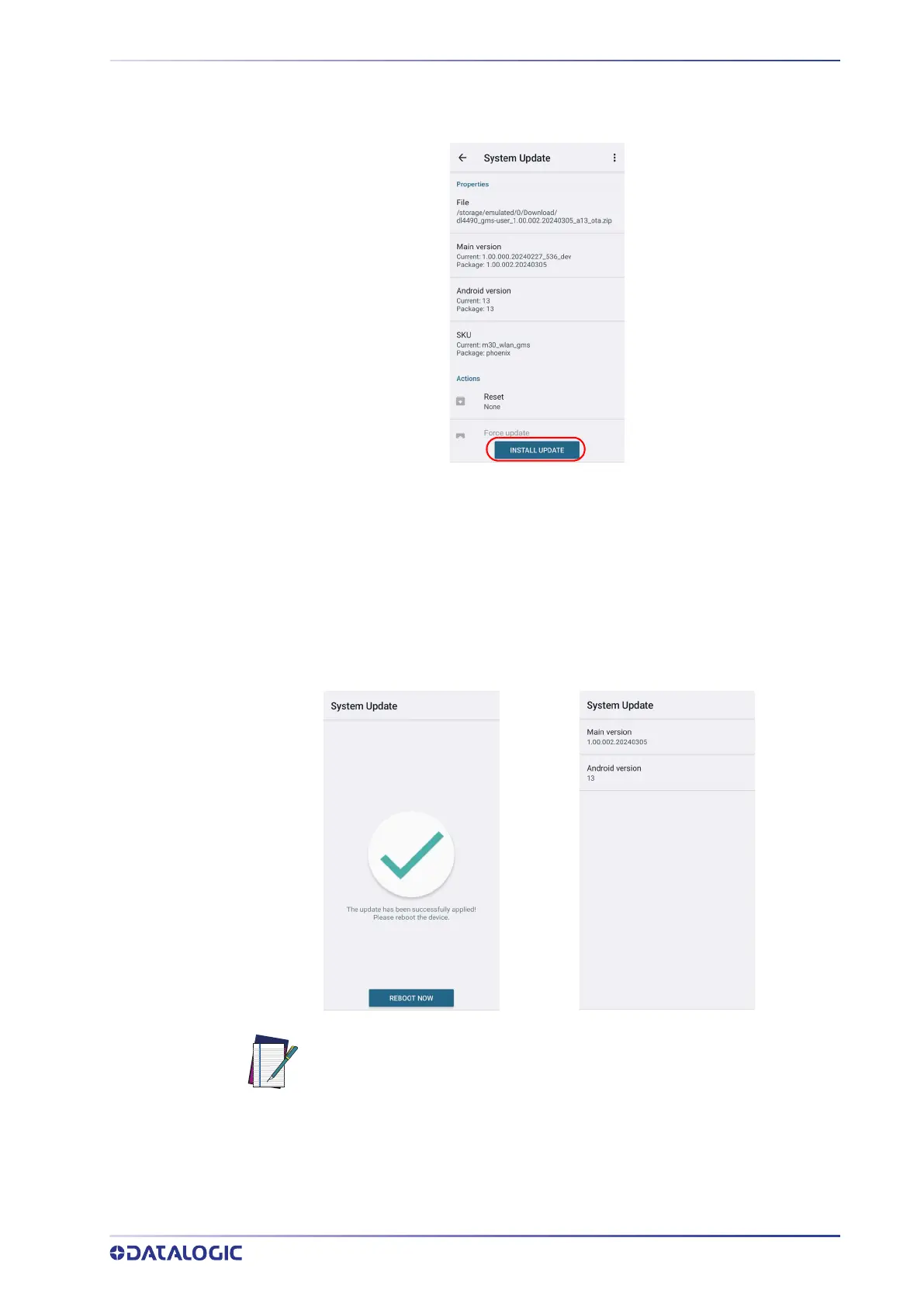
The following window displays on screen, showing information about the device and
the update package components:
The PROPERTIES section shows information about the device model and OS version and
the update package version.
The ACTIONS section allows to:
• reset the device configuration after the update (see "
Reset the Device" on page 25).
• force the update of all components, including those already updated.
Tap Install Update. The device will reboot and a success notification will be displayed.
Tap the notification to display a report showing the installed update components.
NOTE: During the update, ensure that:
• battery level is more than 20% if the Memor 30/35 is not connected
to a power source;
or
• battery level is more than 15% if the Memor 30/35 is connected to a
power source (USB or dock).



 To Next Page