AP20 Installation and Operating Guide Page 55
AP20 Installation & Operating Guide Document # 9301H39200 Ver. 1.25
4.2.1 Assign Fader Level to a Format
To assign a specific fader level to a format button, do the following:
1. Select Menu (System), then in the Fader Control pulldown menu select format. Return
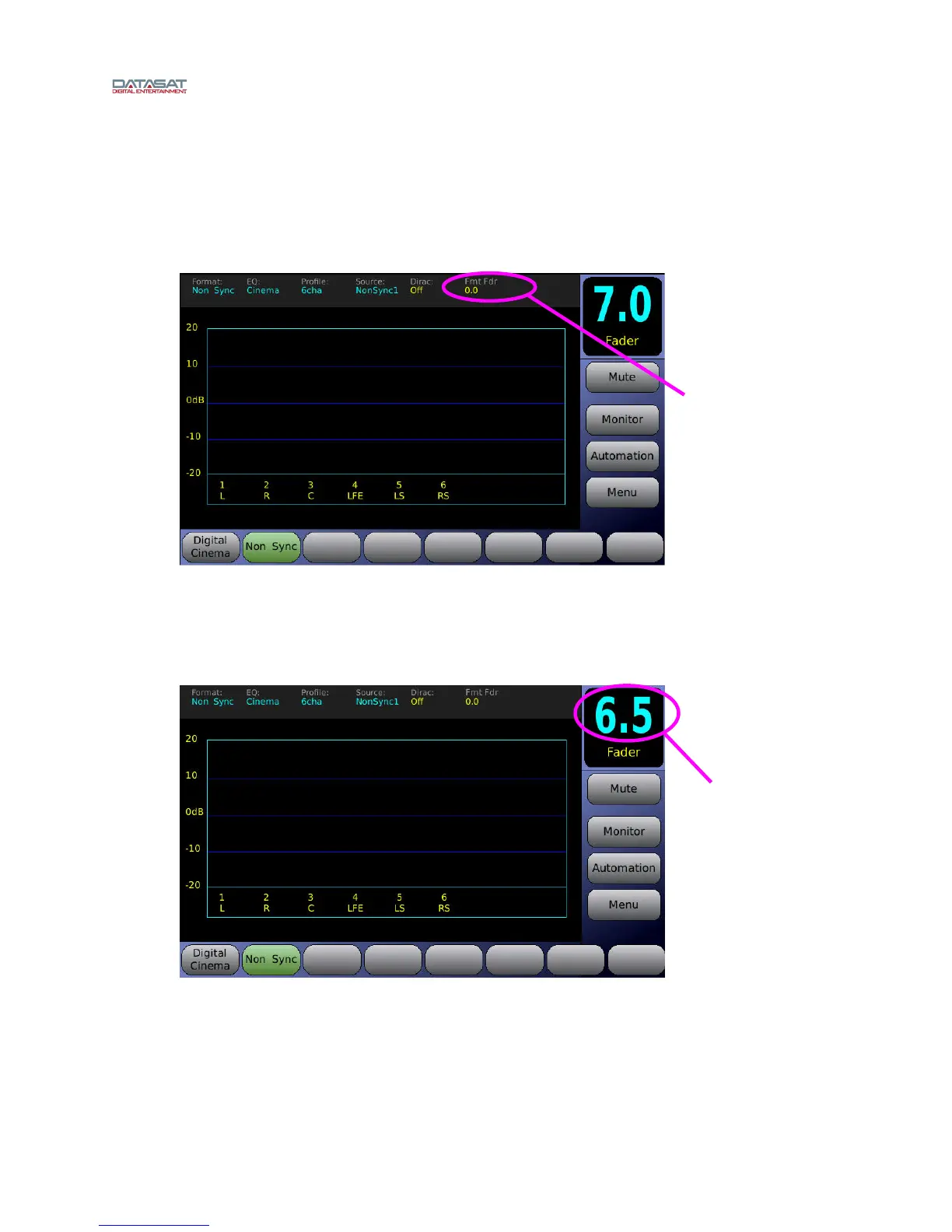
to the main screen by selecting Home button. Fmt Fdr (format fader) will now appear on
the home screen.
Figure 25. Setting Fader Level for a Format (1 of 3)
2. Next, select the desired format button, in this example we will use Non Sync.
3. Next, adjust the fader volume to the desired level using the fader knob. The screen should
appear as shown below.
Figure 26. Setting Fader Level for a Format (2 of 3)
Fader is
now set at
6.5
Fmt Fdr with
fader level set at
0.0



 To Next Page