AP20 Installation and Operating Guide Page 72
AP20 Installation & Operating Guide Document # 9301H39200 Ver. 1.25
4.3.6.2 Extended Surround Options
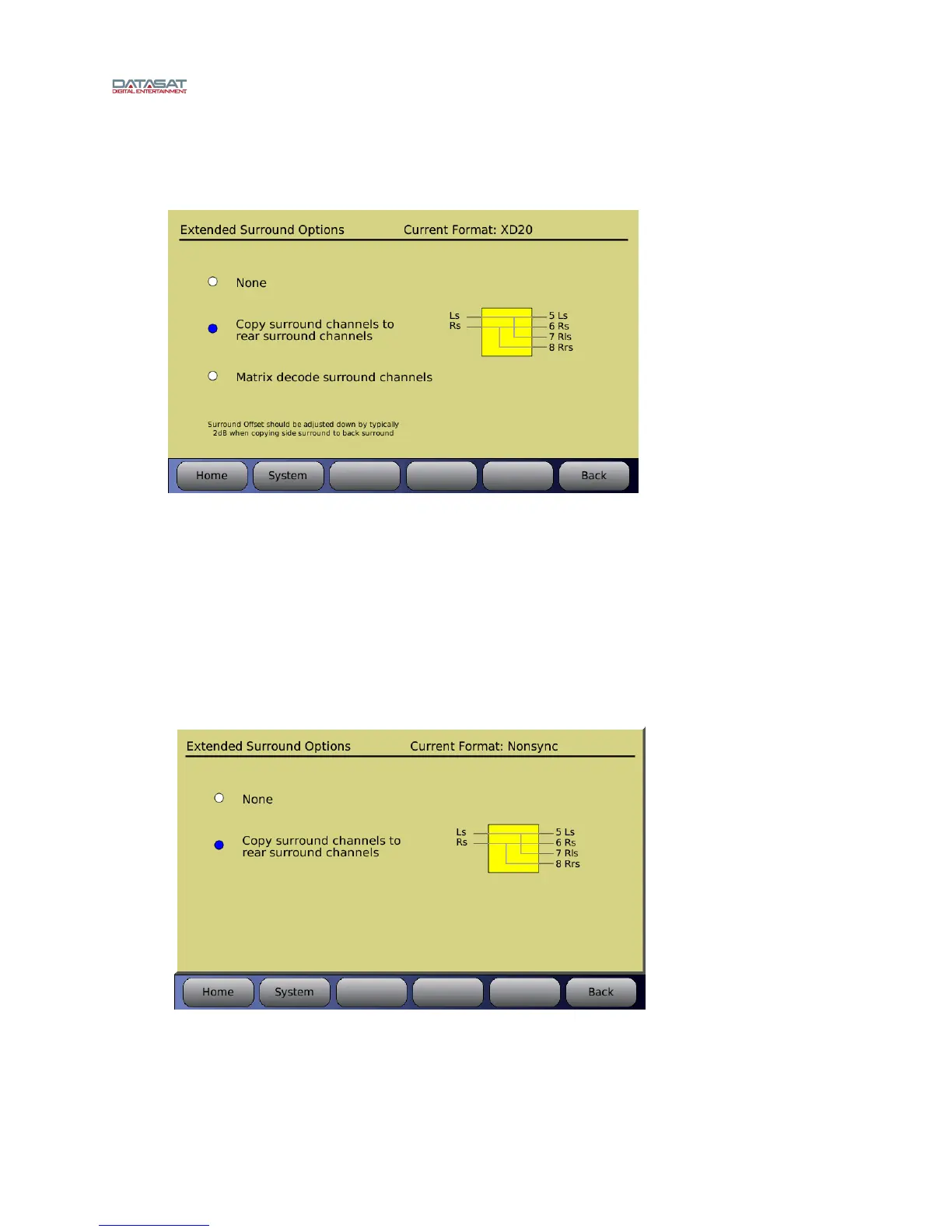
This screen is available for input source Analog 8ch.
Menu (System) > Formats > Format Options > Extended Surround Options
Figure 46. Extended Surround Options
None – No surround option, signals are not re-routed.
Copy surround channels to rear surround channels – Allows the surround channels (Ch
5 & 6) to be copied for output on Rear Surround channels (Ch 7 & 8). This option can be
used to fill in the rear when playing a 5.1 DCP.
Matrix – allows for matrix decoding of right and left surround channels for extended
surround channel output to Rear Surround channels (Ch7 and Ch8).
This screen below is available for input sources Nonsync 1 or 2, Mic Pre, Digital ch 9-16 or Optical.
Menu (System) > Formats > Format Options > Extended Surround Options
Figure 47. Extended Surround Options
None – No surround option, signals are not re-routed.
Copy surround channels to rear surround channels – Allows the surround channels to
be copied to the Rear Surround channels (Ch7 and Ch8)



 To Next Page