AP20 Installation and Operating Guide Page 81
AP20 Installation & Operating Guide Document # 9301H39200 Ver. 1.25
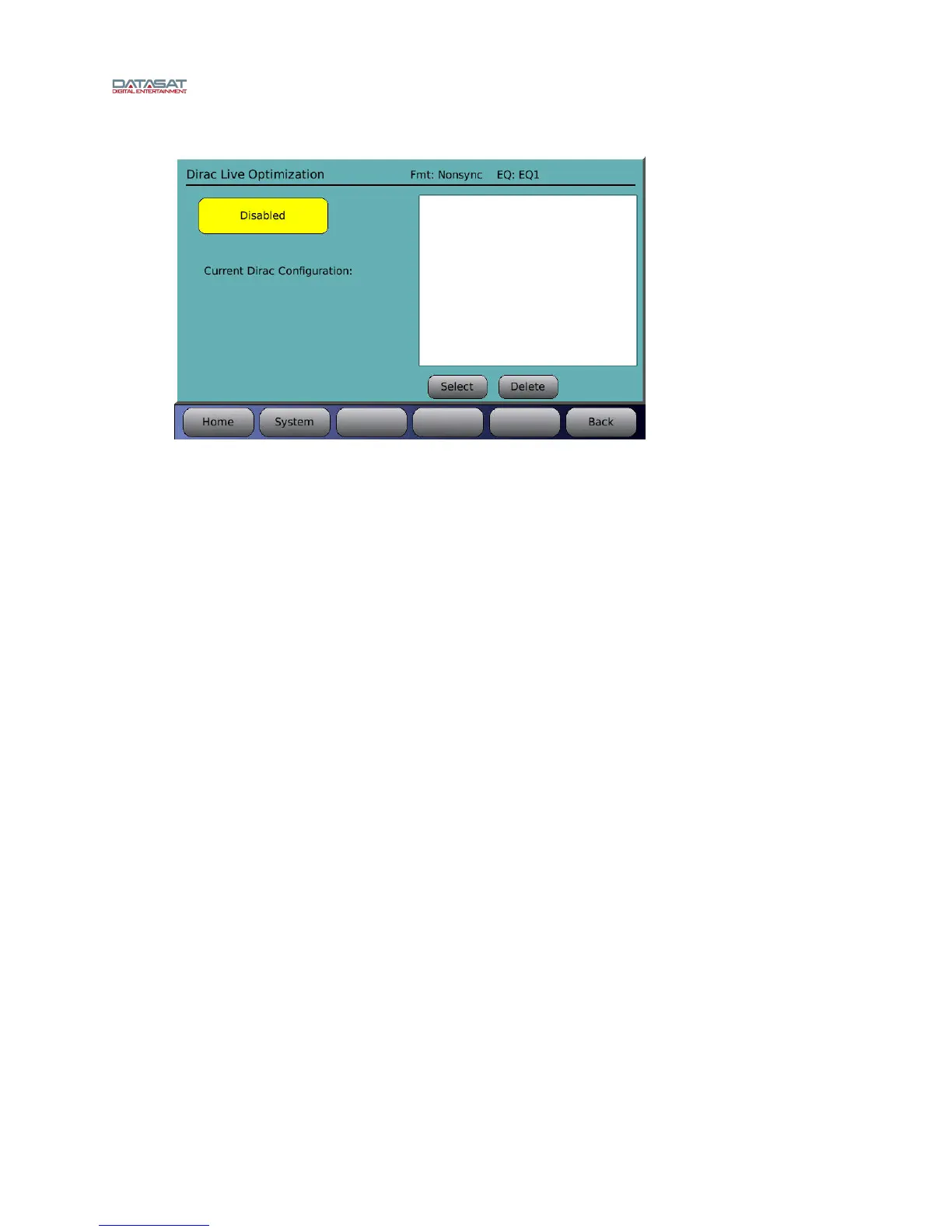
Menu (System) > Formats > Audio EQ Setup > Dirac Optimization
Figure 56. Dirac Optimization Screen
Dirac Room Optimization Enabled/Disabled – Touching the button will toggle between
enabling and disabling the Dirac Optimization.
Current Dirac Configuration – Displays the name of the current Dirac configuration.
Select – Select a configuration from the list of saved configurations in the box above, then
touch the Select button. This configuration will now become the current Dirac configuration.
Delete – Select a configuration from the list of saved configurations in the box above, then
touch the Delete button. The configuration will be deleted from the list and from the memory
of the AP20.
4.3.7.4 Third Octave EQ
Selecting the Third Octave EQ button from the EQ Setup screen will bring up a screen similar
to that shown below. See the topic
A note about Third Octave EQ i
n section 2.10 for a usage
example.
Menu (System) > Formats > Audio EQ Setup > Third Octave EQ
In the upper left-hand portion of the RTA section, the current Format and current master fader
value are shown. In the upper right-hand portion, the current audio level and the 0 dB reference
are displayed.



 To Next Page