4/Tests and Troubleshooting
1503-0151-000 5/26/0 4-17
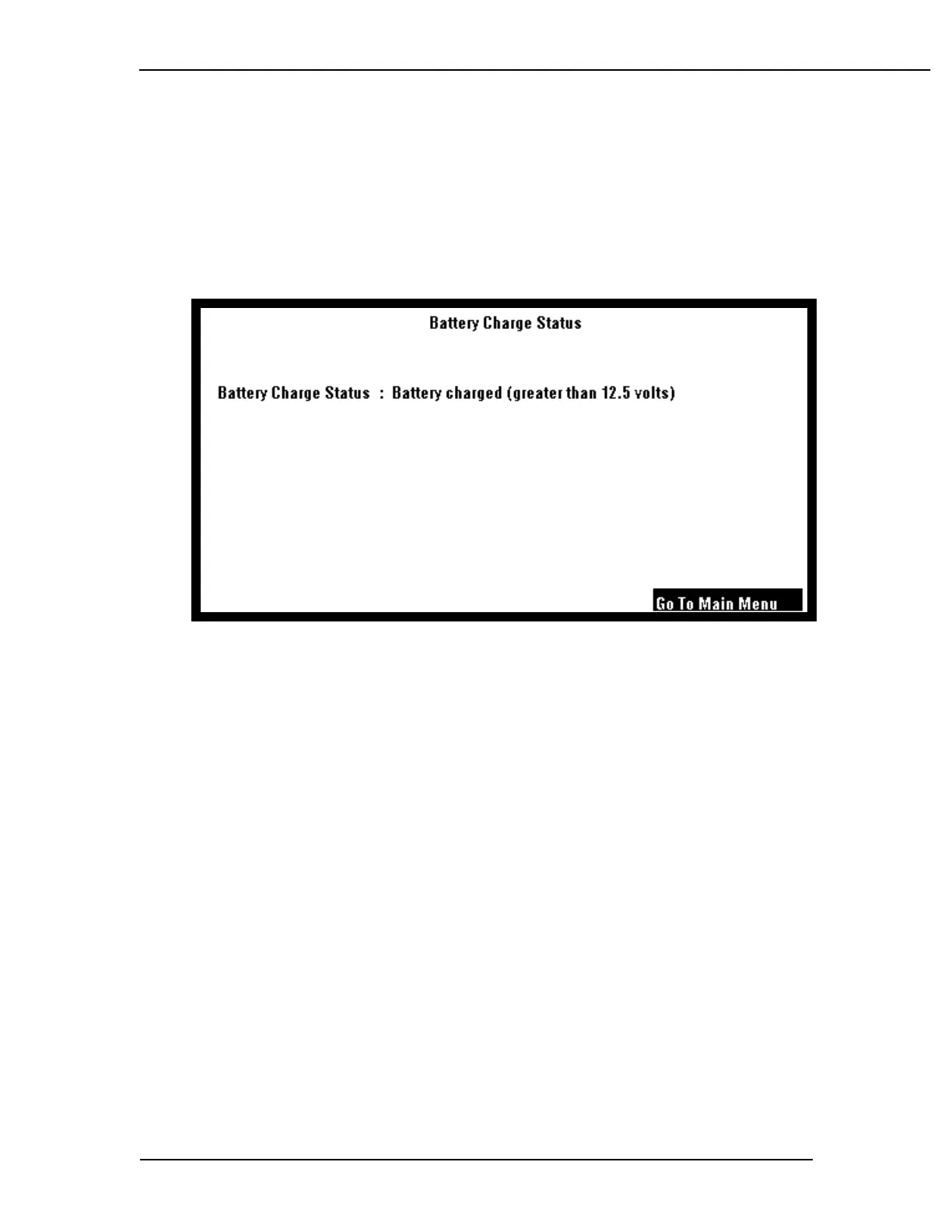
Display Battery Charge Status
The software displays the battery charge status. This checks to see if the battery
charge is greater than or equal to 12.5 volts. If it is less than 12.5 volts, the battery
charge status displays that the battery is not charged. If it is greater than or equal
to 12.5 volts, the battery charge status displays that the battery is charged.
Battery Charge Status: Battery Charged (greater than 12.5 volts)
Remarks
If the battery has been on charge for several hours and you get a "battery is not
charged display:
Check the battery in-line cable fuse."
If the fuse is good, the battery is bad---replace it.



 To Next Page