4/Tests and Troubleshooting
4-36 1503-0151-000 5/26/0
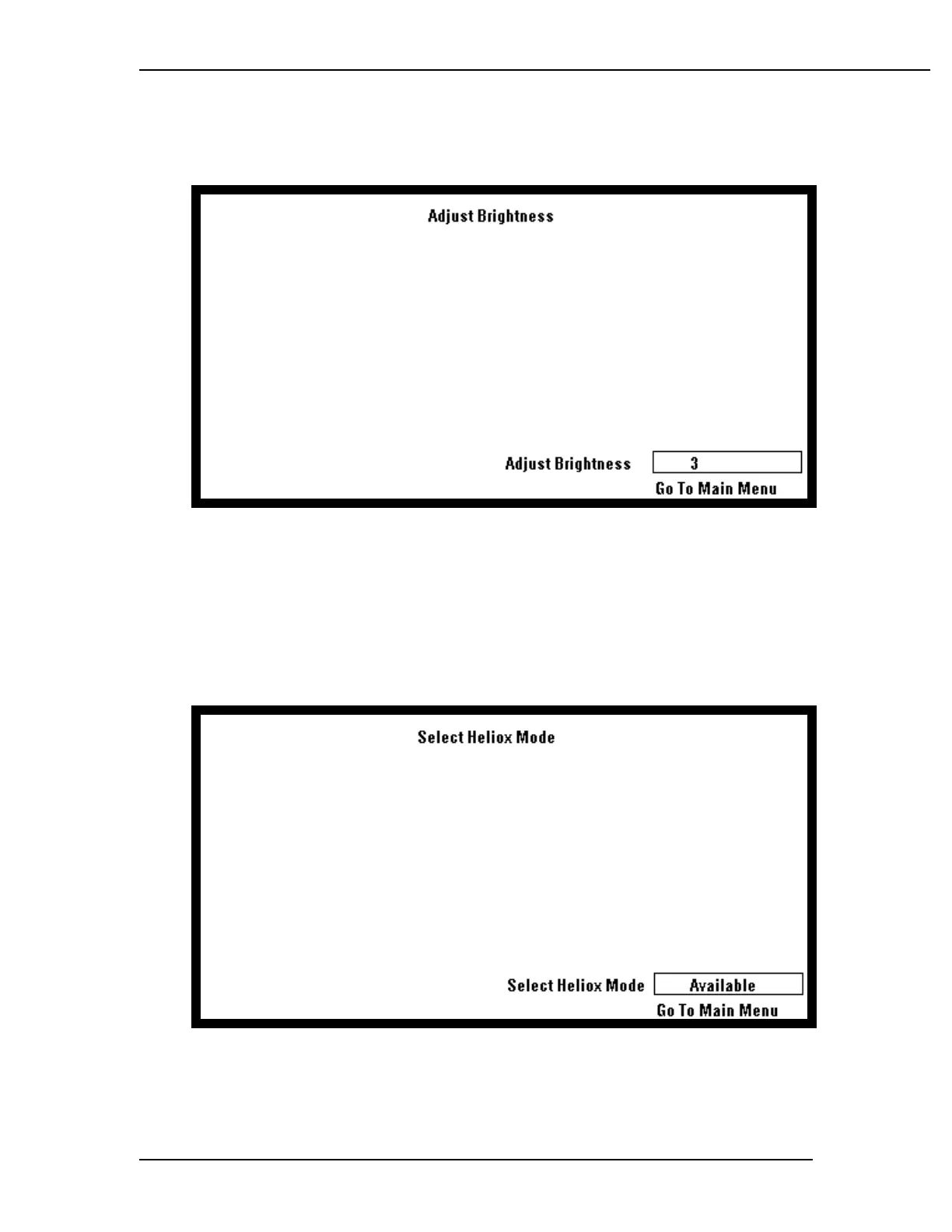
Adjust Brightness
This provides the user with the means to select the display brightness.
Select Heliox Mode
This provides the user with the means to select the Heliox mode with systems hav-
ing ANSI gas systems with Heliox flow tubes installed. Set "Select Heliox Mode" to
Available to allow the user to turn Heliox mode on or off during the normal opera-
tions mode. Set "Select Heliox Mode" to Not Available to prevent the user from
turning Heliox mode on during normal operation.



 To Next Page