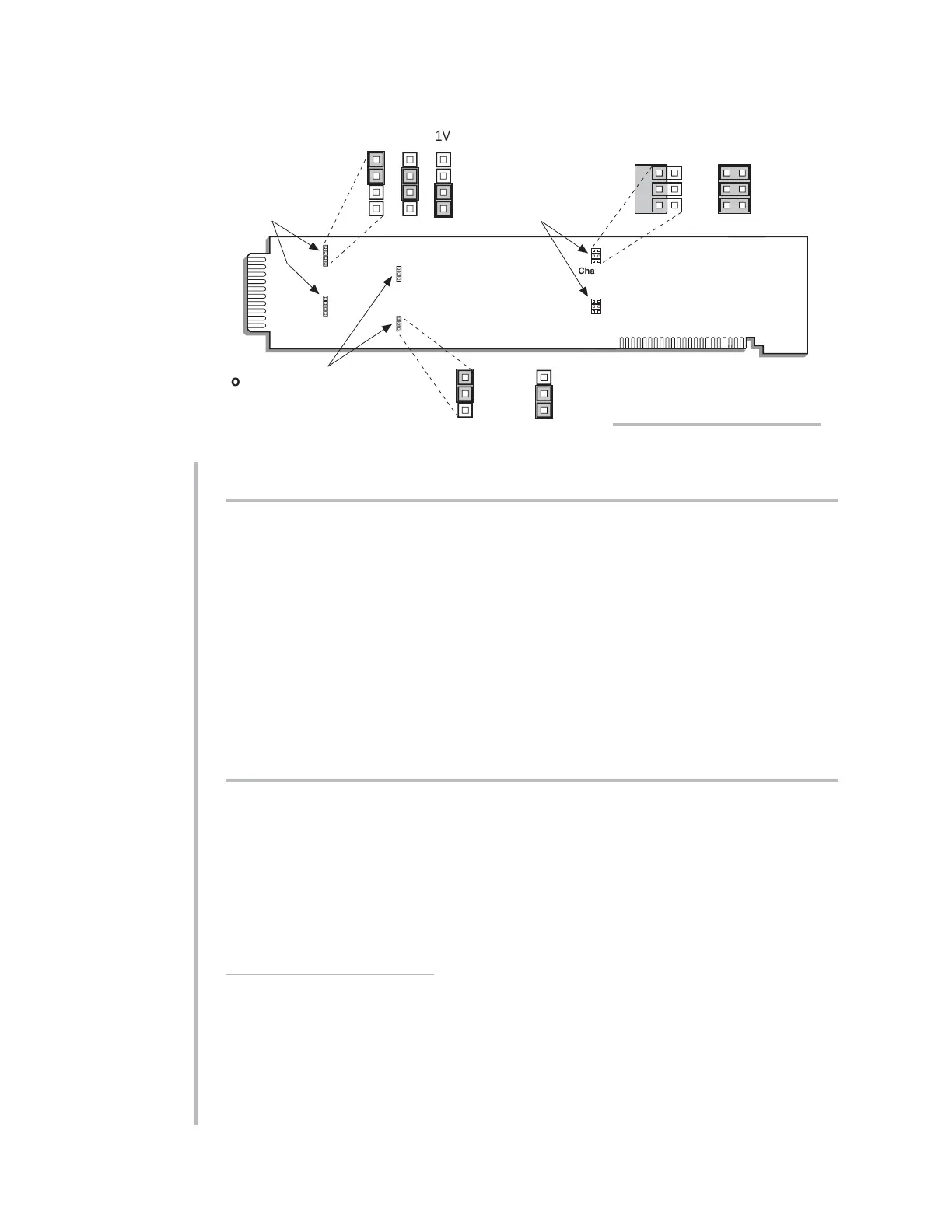
3.c SELECTION OF ANALOG FILTERS
To set the analog filter for each 10A72-2C channel, you should
1. Refer to Fig. 3 and locate the ANALOG FILTER PROGRAMMING JUMPERS PINS
for Channels 1 and 2. One multi-connection “minijumper” is provided for each
channel.
2. Position the jumper for each channel as shown in Fig. 3 to set the filter for that
channel. For the “standard” (10-Hz) filter setting, the jumper should be placed on
the left vertical row of pins, with its left edge overhanging the pin block, as shown.
For the 100-Hz filter setting, the jumper should be placed directly on all six pins, in
order to interconnect each of the three pairs.
3. Reinsert the 10A72-2C card in its mainframe slot.
3.d CONFIGURATION AND CALIBRATION
For initial configuration of ANALOG INPUT CHANNELS dedicated to a specific Model
10A72-2C card when used in System 10, see the general remarks on System 10 “real-
channel” configuration in Manual Section 1.G.1 and elsewhere in the
System 10 Guide-
book
. For 10A72-2C channel “type” codes, see Table 1, above.
In System 10, you can use three calibration methods with the Model 10A72-2C, unless
it is being used with a Model 10CJB-2 Dual Bridge Completion Card (in which case
a special calibration procedure is required, as explained in Section 4.c, below):
CALCULATED CALIBRATION
This is generally the most convenient means of calibrating a 10A72-2C channel, when
the transducer’s full-scale “mV/V” sensitivity rating is accurately known.
Thus, to calibrate a 10A72-2C-based Channel No. “x,” you need only
1. Turn ON the system EEPROM SWITCH and then apply the following
MV/V CALI-
BRATION (MVV)
command:
10A72-2C.6 SETUP AND/OR OPERATING CONSIDERATIONS
10A72-2C ENHANCED DUAL DC STRAIN GAGE CARD



 To Next Page