SENTINEL 3 29
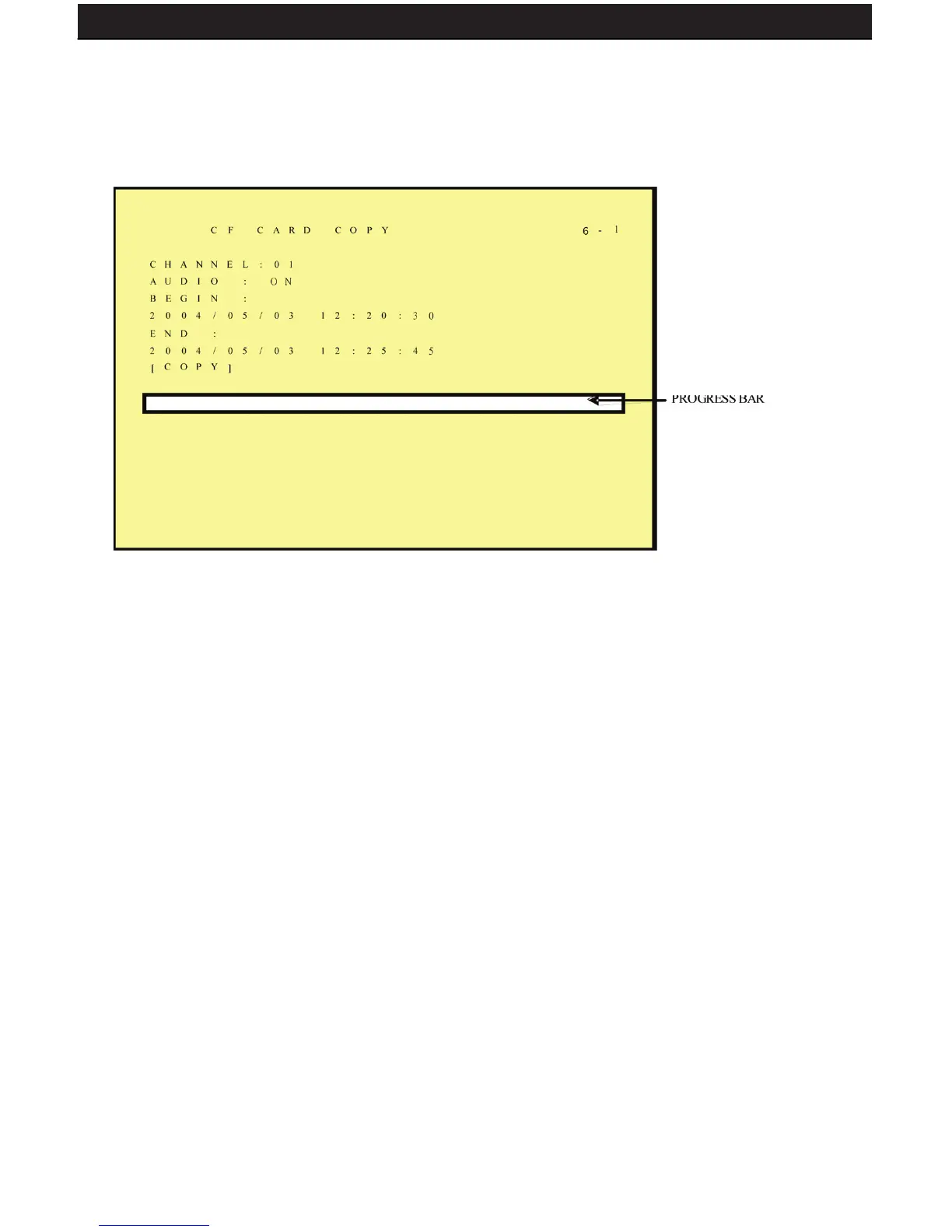
6.6.1 CF CARD COPY
Use this feature to backup your footage onto CF card (CF card reader required to view on
a computer). Note that only one camera channel can be recorded at a time.
1. CH: Selectable 1 -8 camera option.
2. AUDIO: Specify whether to record audio or not.
3. BEGIN/END: Specify the start and end time of the desired video clip.
4. COPY: Select “COPY” to start copying to your CF card.
*When the data size selected exceeds the storage capacity of the CF card, it will start
copying from the beginning and stop when the CF card is full. Each channel and event
generates a different AVI le. Windows Media Player supports AVI le playback (File size is
720X240. When using a computer to playback, the video aspect ratio is not 1:1, please use
a player with adjustable video aspect ratio).



 To Next Page