86
Cod.: 240.010.0042
DLS / DLS-C Series
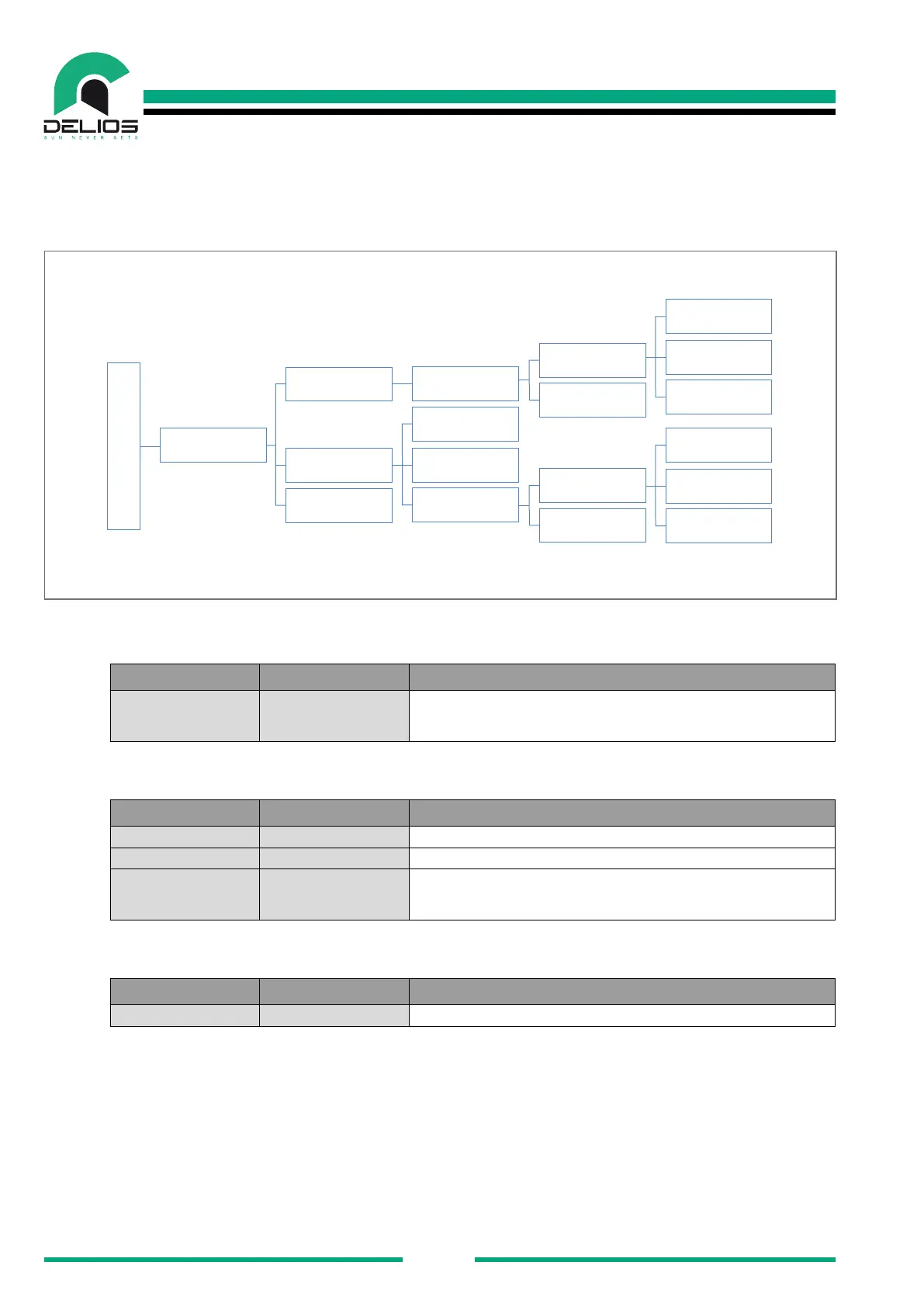
7.7.5 "NETWORKING" Menu
Access to the "NETWORKING" menu allows to congure how to access a local Wi-Fi or LAN network to
enable the remote connection and system monitoring functions.
NETWORKING
LAN
Network
Static
IP Address
Netmask
Gateway
DHCP
DHCP
Static
SSID
Password
Network
WLAN
Send to Portal
SETTINGS
IP Address
Netmask
Gateway
1. "LAN" - The page allows to set the network parameters for access to a local wired LAN.
PARAMETER VALUE DESCRIPTION
Network Static/DHCP
Network parameter setting (Default = DHCP). In the case of a STATIC
setting, to access the local network it is necessary to specify IP AD-DRESS,
NETMASK and GATEWAY.
2. "WLAN" - The page allows to set the network parameters for access to a local wireless LAN.
PARAMETER VALUE DESCRIPTION
SSID -- Automatic scan for available wireless networks and network selection.
Password -- Network password setting.
Network Static/DHCP
Network parameter setting (Default = DHCP). In the case of a STATIC
setting, to access the local network it is necessary to specify IP AD-DRESS,
NETMASK and GATEWAY.
3. "SEND TO PORTAL" - The page allows to enable the sending of data to the monitoring portal.
PARAMETER VALUE DESCRIPTION
Send To Portal ON/OFF Data sending enable to the monitoring portal (Default = OFF)


 To Next Page