28 Product Features
FILE LOCATION: C:\Users\fxstdpc-
admin\Desktop\0630_UG??\Mioga_SFP_UG_FM\Mioga_SFP_UG_FM\section03.fm
DELL CONFIDENTIAL – PRELIMINARY 9/13/10 - FOR PROOF ONLY
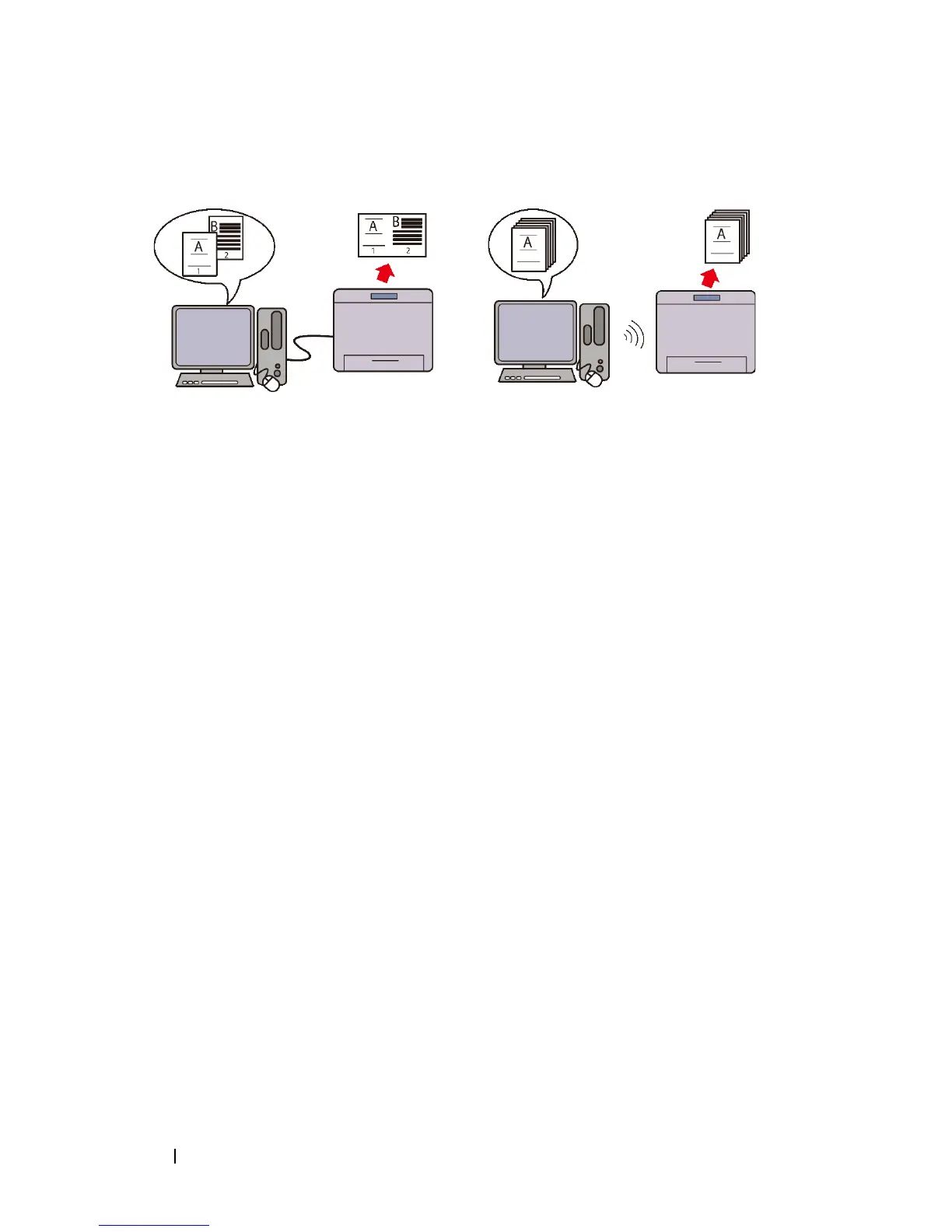
Multiple Up in the Layout tab (N-up
Print)
The Multiple Up feature enables you
to print documents as reduced-size
documents containing 2, 4, 8, 16, or
32 pages on a single sheet of paper by
setting from the printer driver. This
feature helps save paper.
Installing the Optional Wireless
Adapter (Wireless Print)
With wireless LAN in the printer, you
can install the printer wherever you
like, and print without connecting the
printer to your computer directly.











 To Next Page