384 Maintaining Your Printer
10
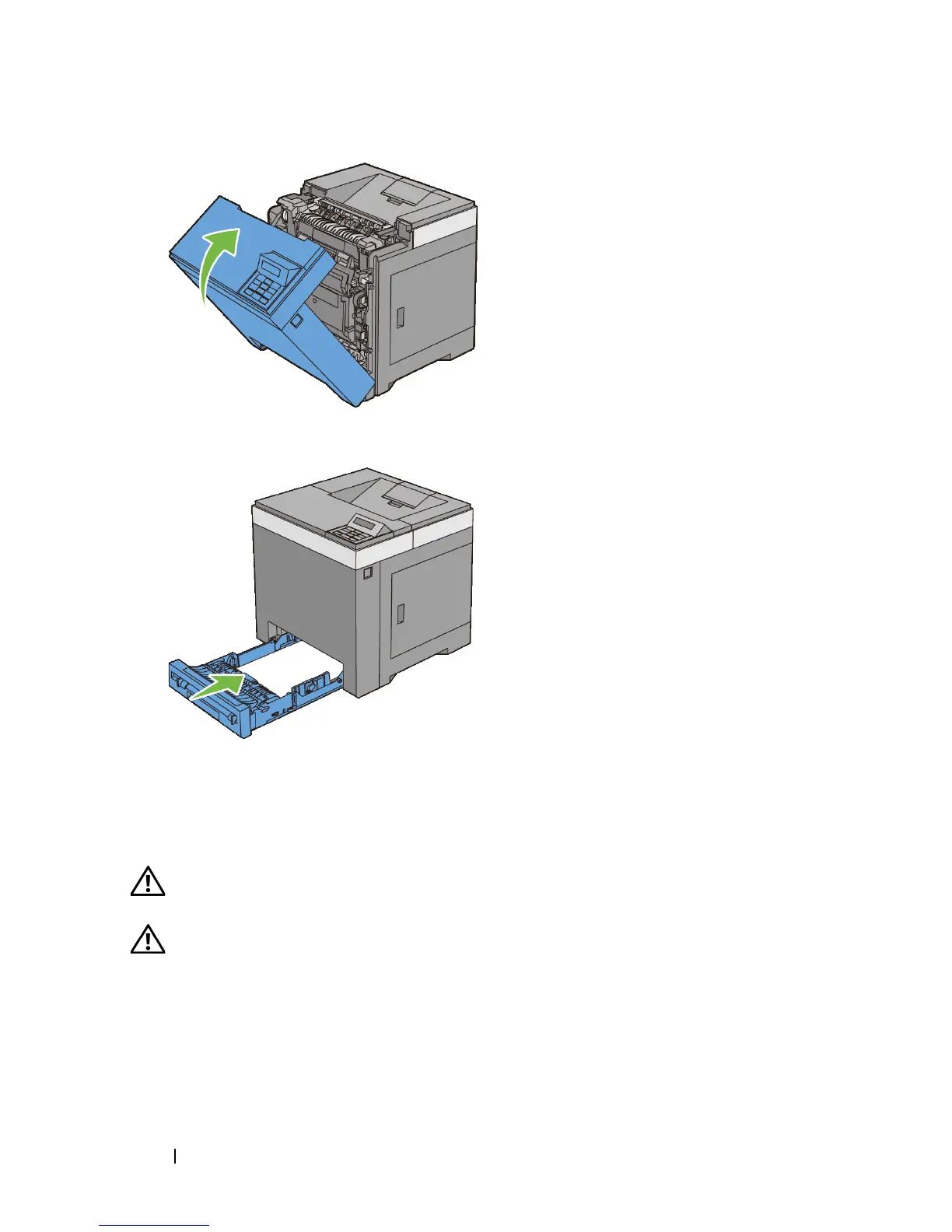
Insert the standard 250-sheet tray into the printer, and push until it stops.
Replacing the Retard Roller
Keeping the retard roller in the paper tray clean helps ensure the best possible
printing. It is recommended to clean the retard roller at regular intervals.
CAUTION: To prevent electric shock, always turn off the printer and disconnect
the power cable from the grounded outlet before performing maintenance.
CAUTION: Before performing any of the following procedures, read and follow
the safety instructions in your Product Information Guide.
Dell retard rollers are available only through Dell. To order by phone, see
"Contacting Dell."











 To Next Page