About the Printer 31
FILE LOCATION: C:\Users\fxstdpc-
admin\Desktop\0630_UG??\Mioga_SFP_UG_FM\Mioga_SFP_UG_FM\section04.fm
DELL CONFIDENTIAL – PRELIMINARY 9/13/10 - FOR PROOF ONLY
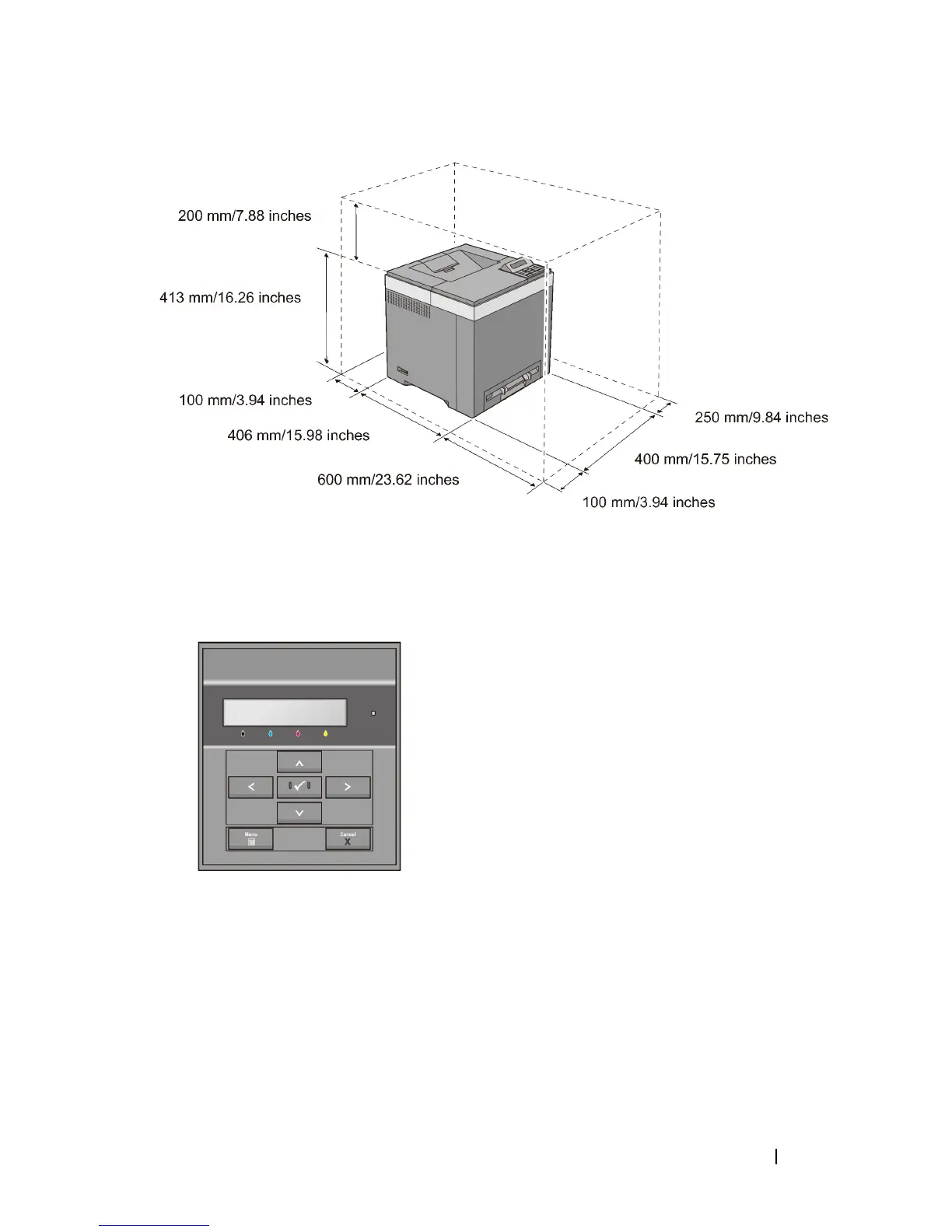
Operator Panel
For more information on the operator panel, see "Using the Operator Panel
Buttons."
Securing the Printer
To protect your printer from theft, you can use the optional Kensington lock.
Attach the Kensington lock to the security slot on your printer.











 To Next Page