392 Maintaining Your Printer
11
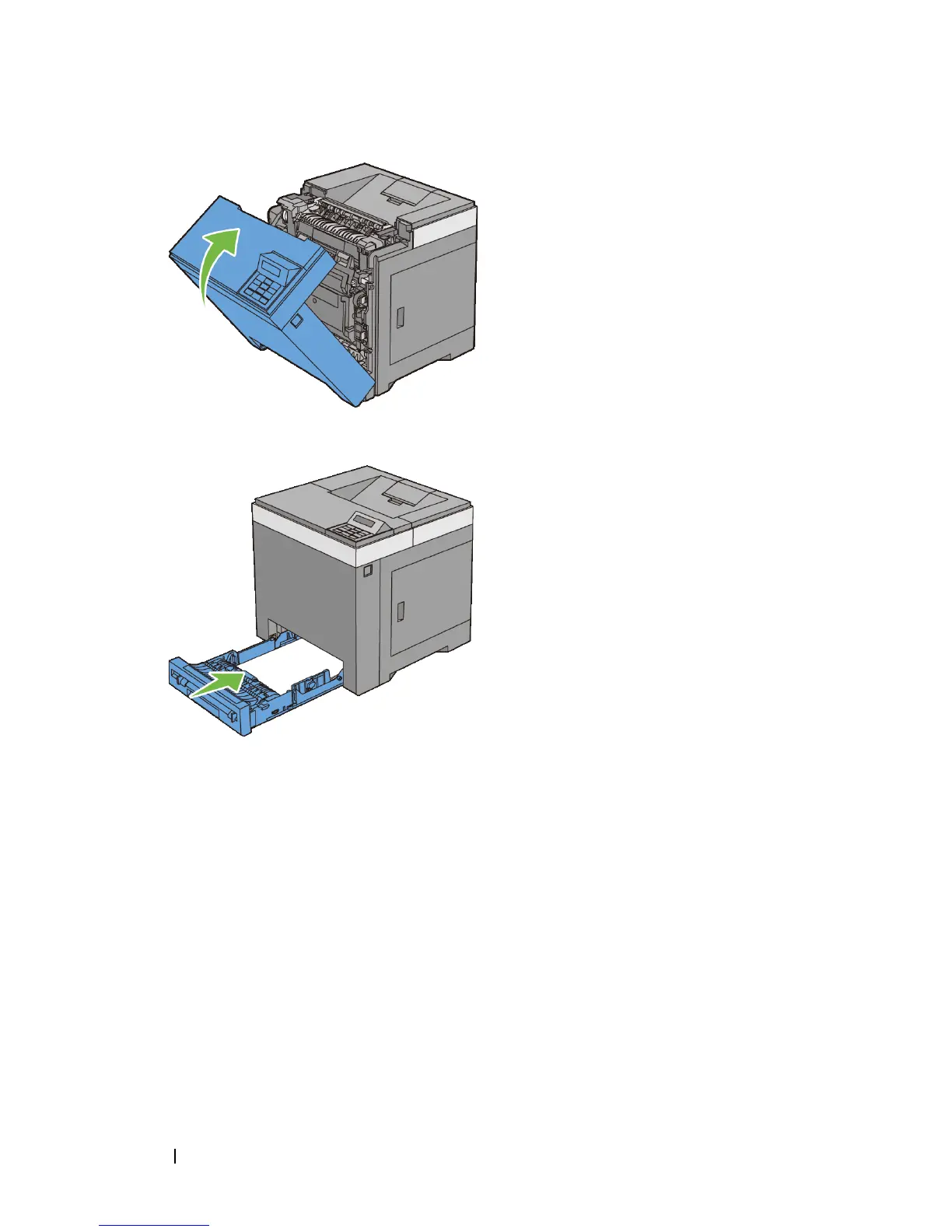
Insert the standard 250-sheet tray into the printer, and push until it stops.
Cleaning the CTD Sensor
Clean the Color Toner Density (CTD) sensor only when an alert for the CTD
sensor is shown on the Status Monitor or operator panel.
1
Ensure that the printer is turned off.
2
Pull the standard 250-sheet tray out of the printer about 200 mm. Hold the
standard 250-sheet tray with both hands, and remove it from the printer.











 To Next Page