DELL CONFIDENTIAL – PRELIMINARY 9/13/10 - FOR PROOF ONLY
Loading Paper 89
9
Loading Paper
NOTE: To avoid paper jams, do not remove the tray while printing is in progress.
NOTE: Use only laser print media. Do not use ink jet paper in your printer.
1
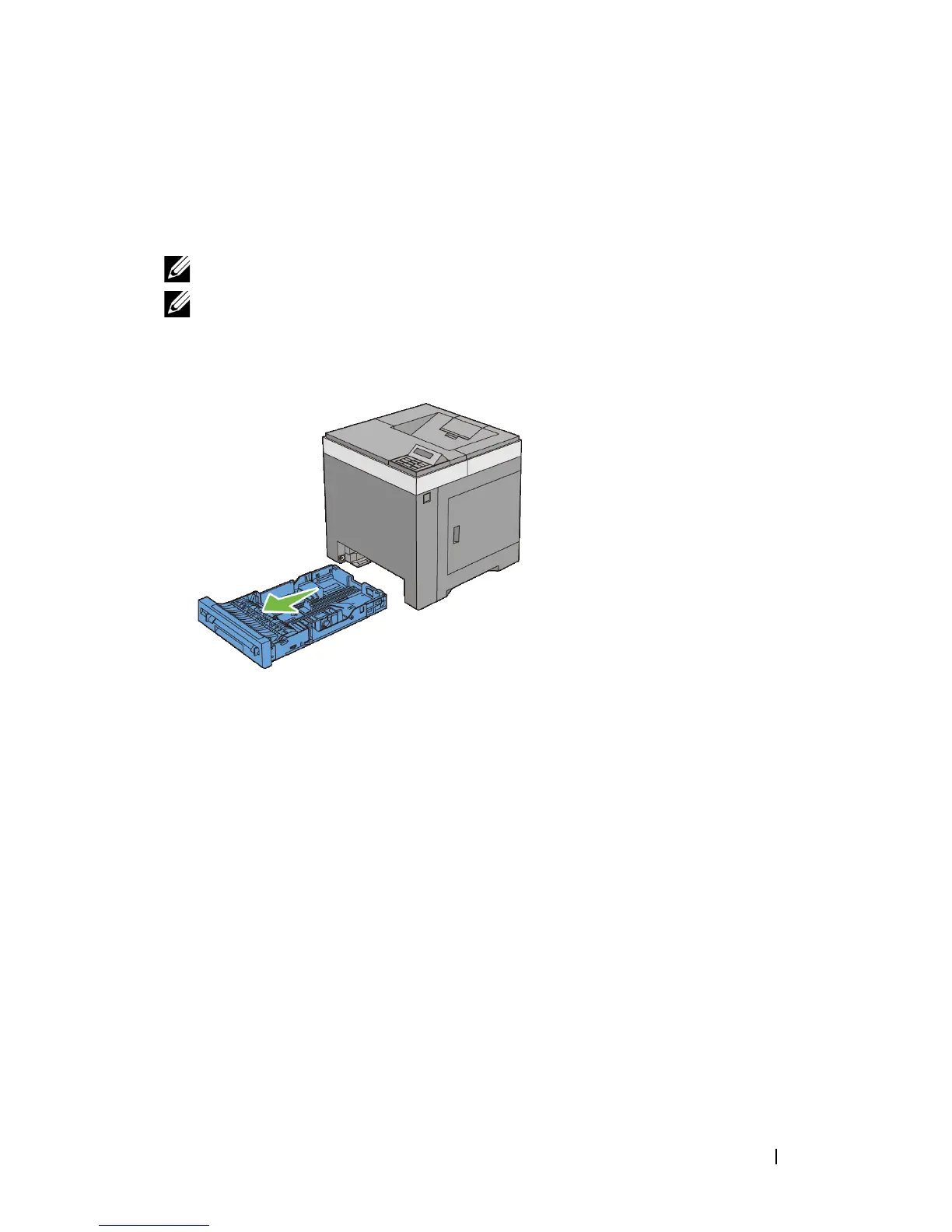
Pull the tray out of the printer about 200 mm. Hold the tray with both hands,
and remove it from the printer.
2
Adjust the paper guides.











 To Next Page