Installing Optional Accessories 59
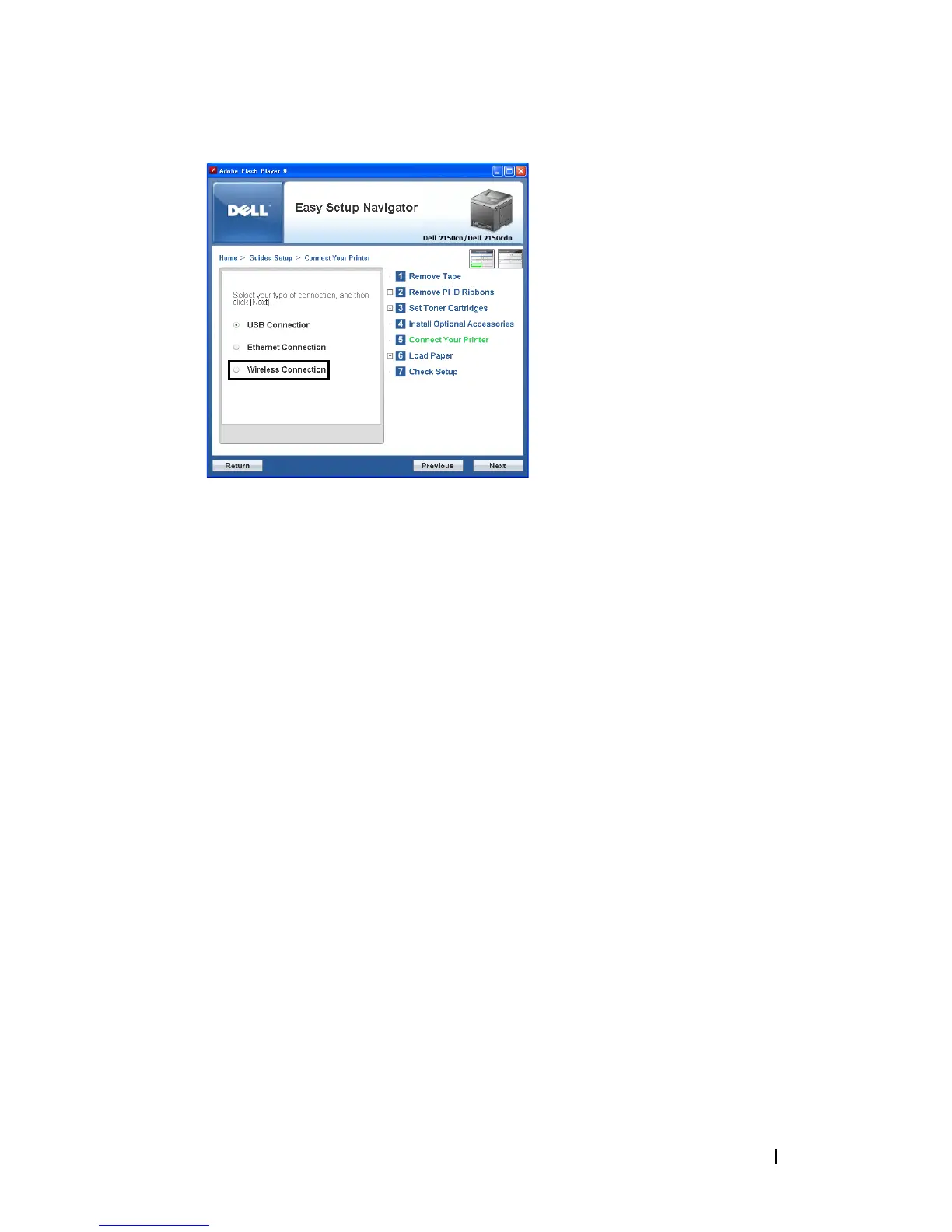
The
Wireless Connection
window appears.
5
Select
Wizard
, and then click the
Next
button.
The instruction video starts.
Follow the on-screen instructions to configure wireless settings.
Using Advanced Setup to Configure a Wireless Adapter
You can configure the wireless adapter with the following connection methods:
• Network Cable
• WPS-PIN
• WPS-PBC
• Operator Panel
• Dell Printer Configuration Web Tool
1
Insert the
Drivers and Utilities
CD provided with the printer in your
computer. The
Easy Setup Navigator
file launches automatically.











 To Next Page