456 Troubleshooting Guide
FILE LOCATION: C:\Users\fxstdpc-
admin\Desktop\0630_UG??\Mioga_SFP_UG_FM\Mioga_SFP_UG_FM\section28.fm
DELL CONFIDENTIAL – PRELIMINARY 9/13/10 - FOR PROOF ONLY
• Regi Jam (Exit Sensor On JAM)
• Exit Jam (Exit Sensor Off JAM)
• Standard 250-Sheet Tray/Optional 250-Sheet Feeder Multi-feed Jam
• SSF Multi-feed Jam
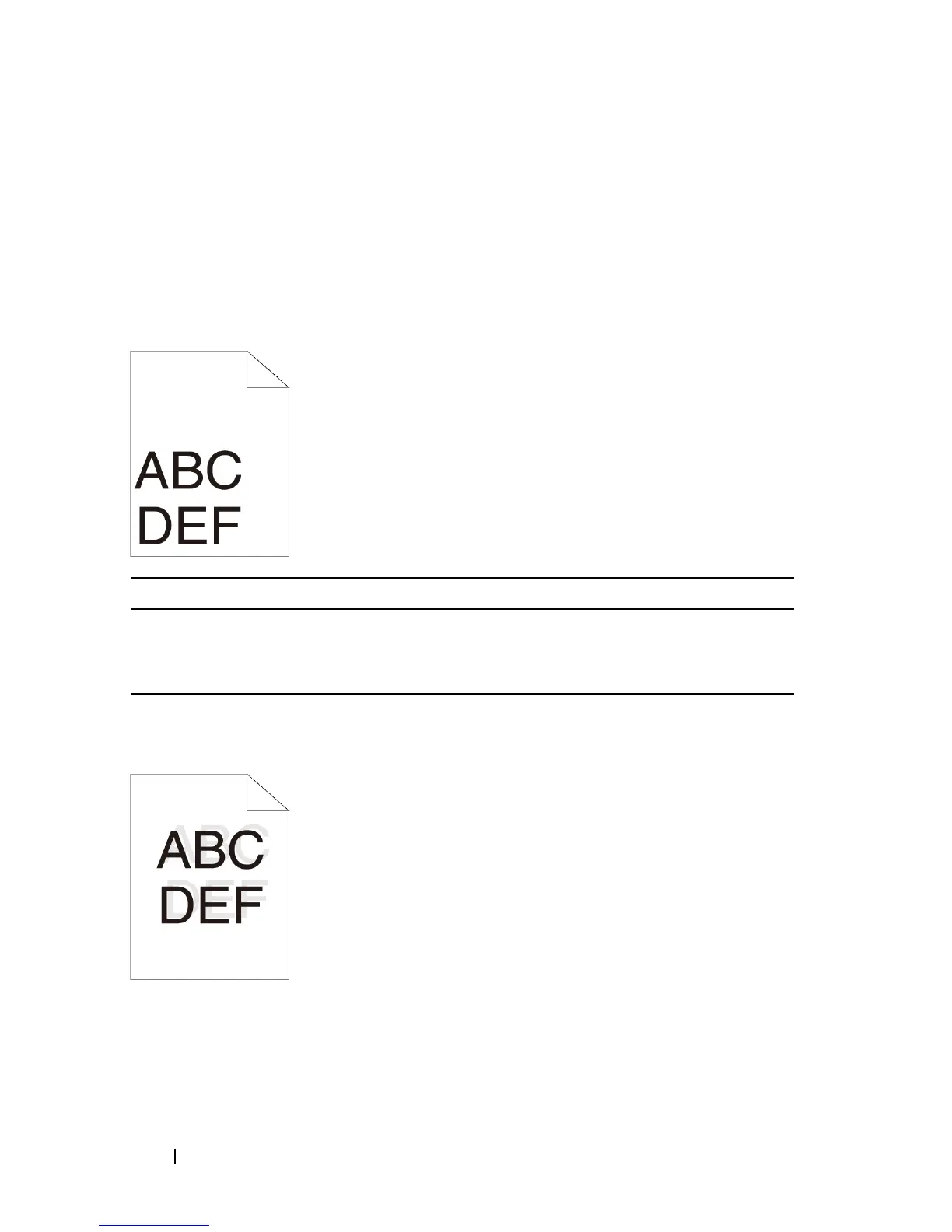
The top and side margins are incorrect
Color registration is out of alignment
Action Yes No
1 Ensure that the margins are set correctly on the
application being used.
Does this solve your problem?
The task is
complete.
Contact Dell.











 To Next Page