Preparing Printer Hardware 37
FILE LOCATION: C:\Users\fxstdpc-
admin\Desktop\0630_UG??\Mioga_SFP_UG_FM\Mioga_SFP_UG_FM\section05.fm
DELL CONFIDENTIAL – PRELIMINARY 9/13/10 - FOR PROOF ONLY
5
Preparing Printer Hardware
Removing Tape
1
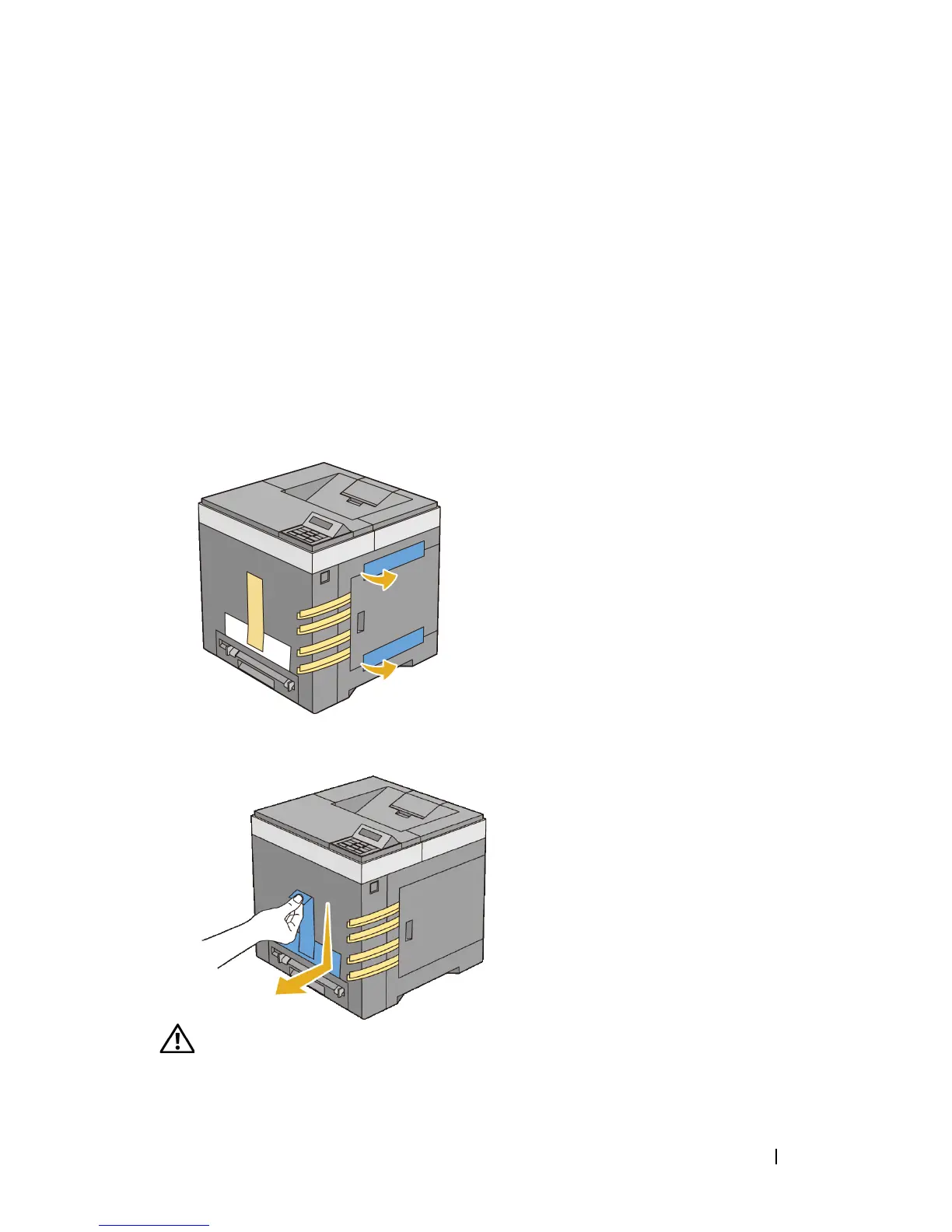
Remove tapes and packaging material from the printer.
2
Pull the protective sheet out of the printer.
CAUTION: Before performing any of the following procedures, read and follow
the safety instructions in your Product Information Guide.











 To Next Page