Removing Options 407
FILE LOCATION: C:\Users\fxstdpc-
admin\Desktop\0630_UG??\Mioga_SFP_UG_FM\Mioga_SFP_UG_FM\section26.fm
DELL CONFIDENTIAL – PRELIMINARY 9/13/10 - FOR PROOF ONLY
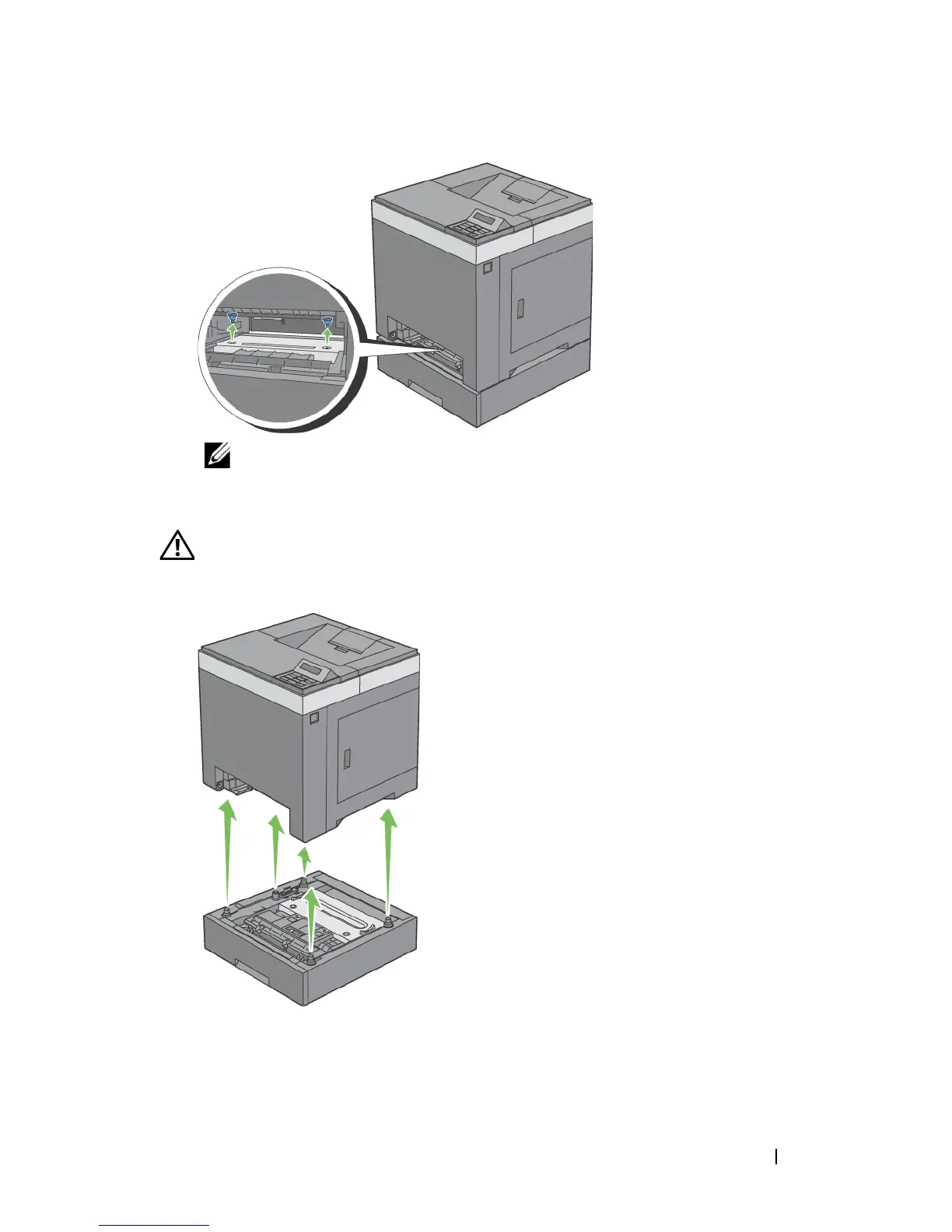
NOTE: The screw hole is located in 216 mm recess from the front of the
printer.
4
Gently lift the printer off the tray module, and place it on a level surface.
CAUTION: Two people are required to lift the printer. The printer should be
lifted holding the front and back. Never lift the printer from its sides.
5
Insert the standard 250-sheet tray into the printer, and push until it stops.











 To Next Page