422 Clearing Jams
FILE LOCATION: C:\Users\fxstdpc-
admin\Desktop\0630_UG??\Mioga_SFP_UG_FM\Mioga_SFP_UG_FM\section27.fm
DELL CONFIDENTIAL – PRELIMINARY 9/13/10 - FOR PROOF ONLY
6
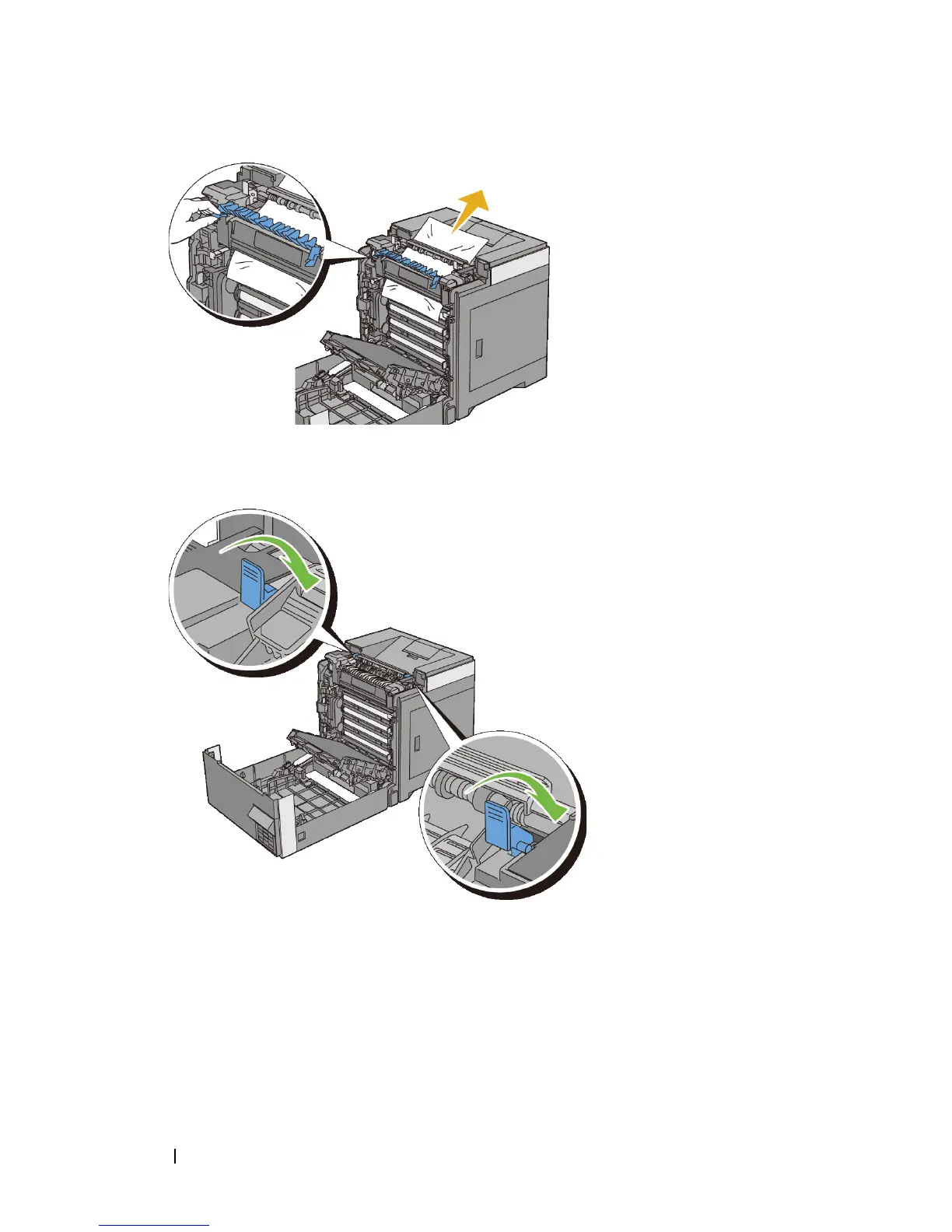
Close the cover of the fuser and press down the levers at both ends of the
fuser.
7
Confirm that there are no scraps of paper remaining inside the printer, and
then close the belt unit.











 To Next Page