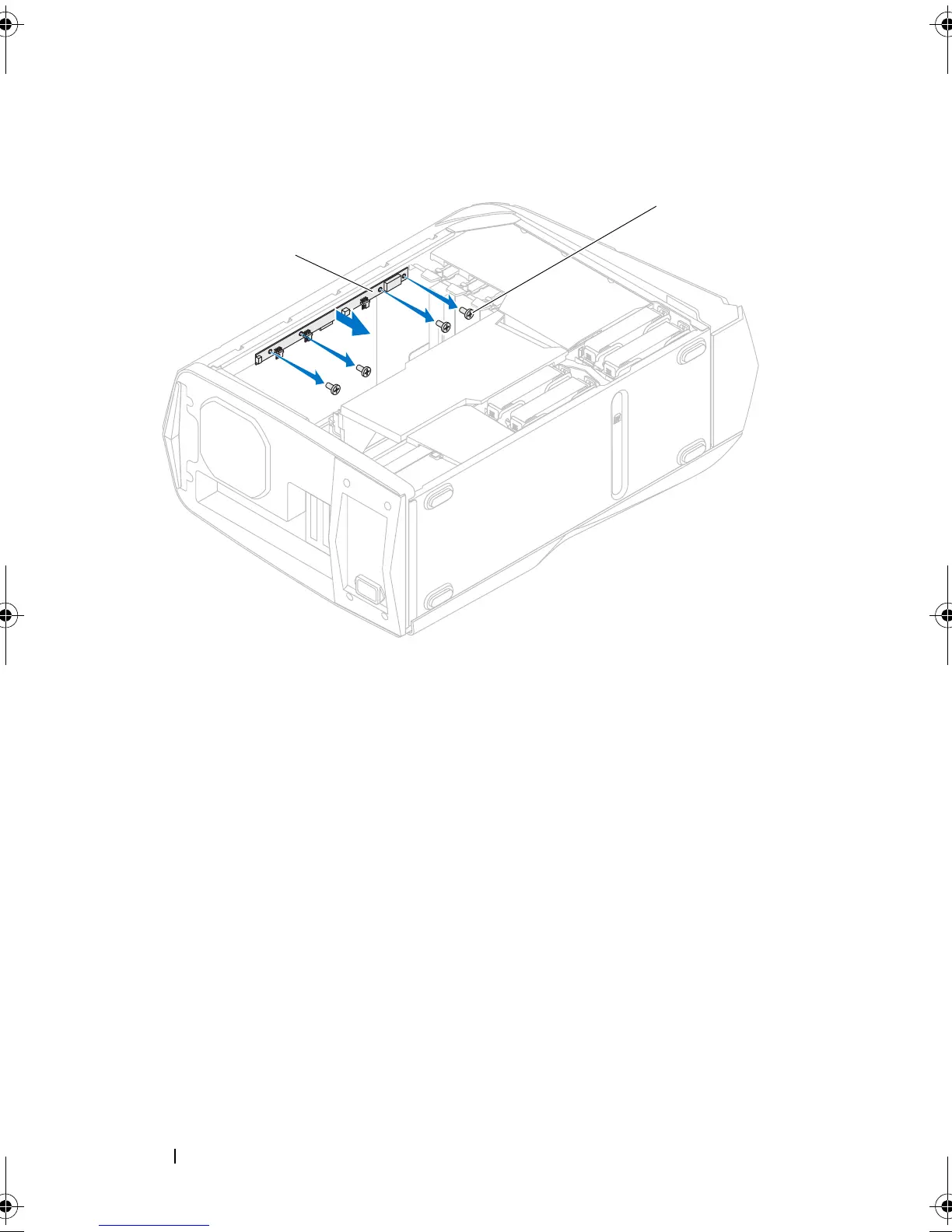
104 Top Lighting-Board
Replacing the Top Lighting-Board
1
Align the screw holes on the top lighting-board with the screw holes on the
chassis.
2
Replace the screws that secure the top lighting-board to the chassis.
3
Connect the cables to the connectors on the top lighting-board.
Postrequisites
1
Replace the media-card reader, if installed. See "Replacing the Media-Card
Reader" on page 43.
2
Replace the optical drive(s). See "Replacing the Optical Drive(s)" on
page 38.
1 top lighting-board 2 screws (4)
book.book Page 104 Wednesday, May 16, 2012 2:37 PM











 To Next Page