System Setup Utility 155
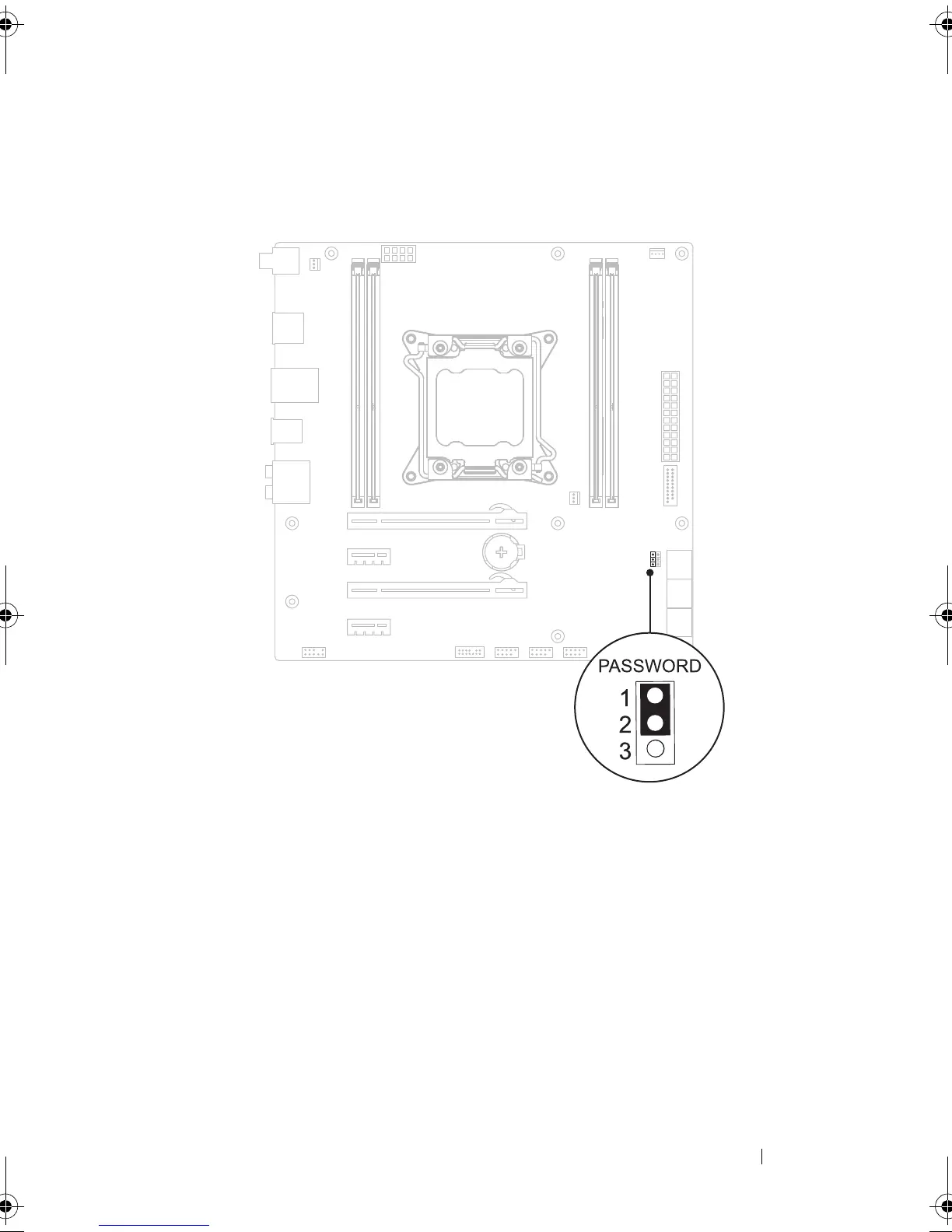
Password:
4
Wait for approximately five seconds to clear the password setting.
5
Remove the 2-pin jumper plug from pins 1 and 2 and replace it on pins 2
and 3.
6
Replace the left side-panel. See "Replacing the Left Side-Panel" on
page 27.
7
Follow the steps in "After Working Inside Your Computer" on page 15.
book.book Page 155 Wednesday, May 16, 2012 2:37 PM











 To Next Page