78 Processor
Replacing the Processor
1
Ensure that the second release lever is fully extended in the open position.
CAUTION: You must position the processor correctly in the processor socket to
avoid damage to the processor.
2
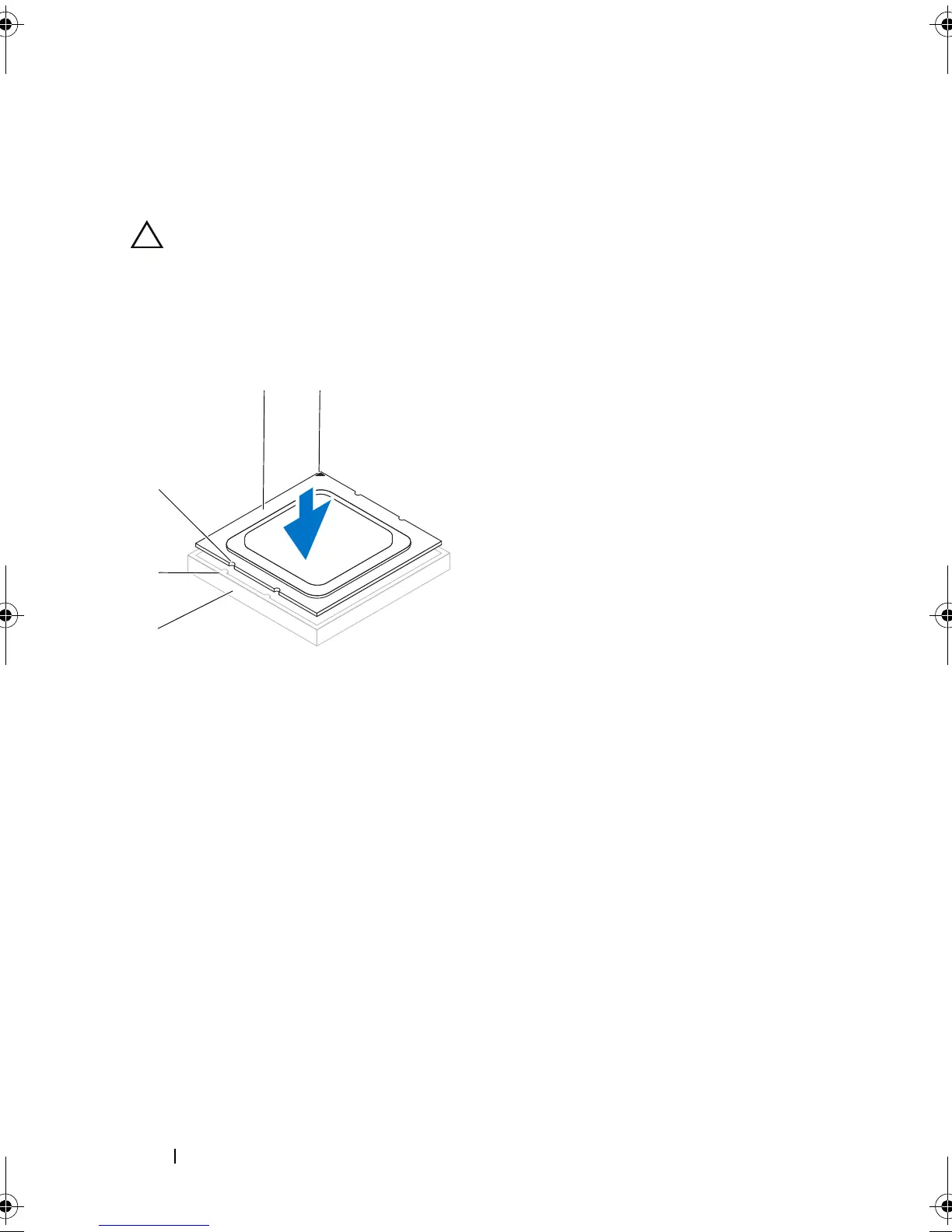
Align the pin-1 corner of the processor with the pin-1 corner of the
processor socket, and then place the processor in the processor socket.
3
When the processor is fully seated in the socket, close the processor cover.
4
Pivot the release lever down and place it under the tab on the processor
cover.
1 processor pin-1 indicator 2 processor
3 alignment notches (4) 4 alignment tabs (4)
5 processor socket
book.book Page 78 Wednesday, May 16, 2012 2:37 PM











 To Next Page