Front Bezel 131
Replacing the Front Bezel
1
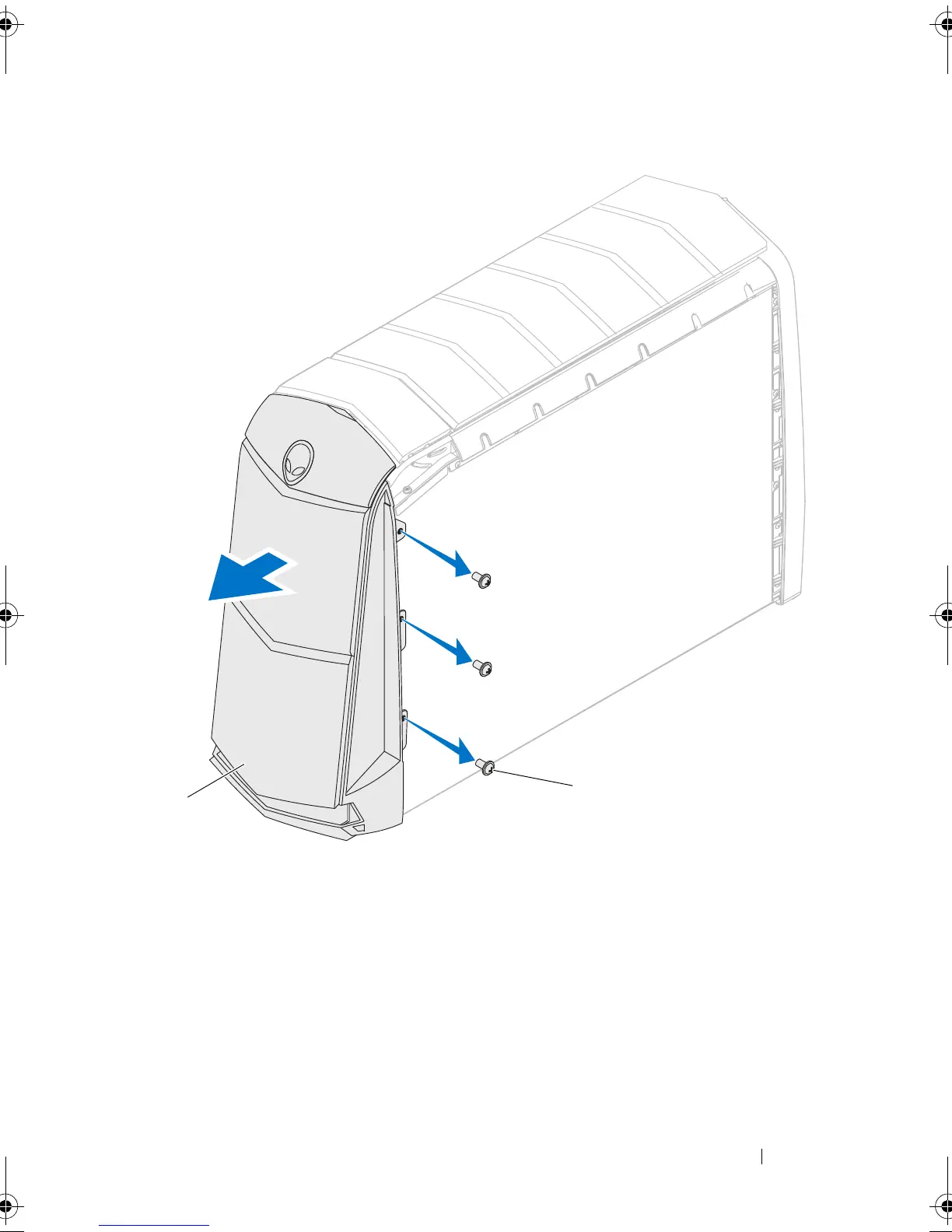
Align the front bezel with the front of the chassis.
2
Replace the screws on the right side that secure the front bezel to the
chassis.
3
Place the computer on its side with the left side facing up.
1 front bezel 2 screws (3)
book.book Page 131 Wednesday, May 16, 2012 2:37 PM











 To Next Page