Technical Overview 19
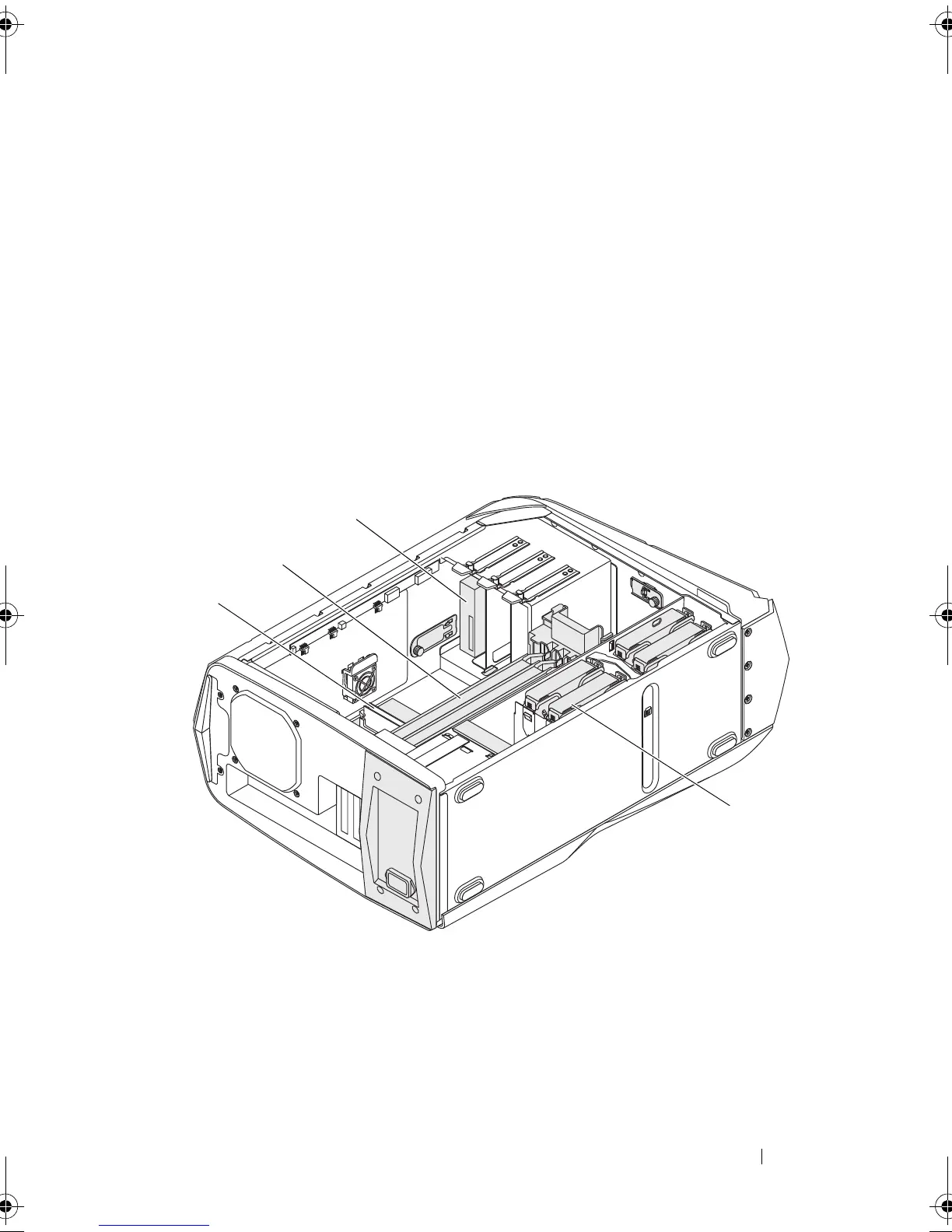
Inside View of Your Computer
1 coaxial S/PDIF connector 2 optical S/PDIF connector
3 USB 2.0 connectors (4) 4 network connector and network
lights
5 USB 3.0 connector 6 audio connectors
7 expansion-card slots 8 power connector
9 power-supply diagnostics button 10 power-supply diagnostics light
11 security-cable slot latch 12 security-cable slot
1 memory module(s) 2 PCI-Express card(s)
3 optical drive(s) 4 hard-drive(s)
book.book Page 19 Wednesday, May 16, 2012 2:37 PM











 To Next Page