PCI-Express x1 Card 51
2
Align the PCI-Express x1 card with the PCI-Express x1 card connector on
the system board.
3
Place the card in the connector and press down firmly. Ensure that the card
is firmly seated.
4
Connect any required cables to the card. For information on the cables to
be connected to the card, see the documentation that shipped with the
card.
5
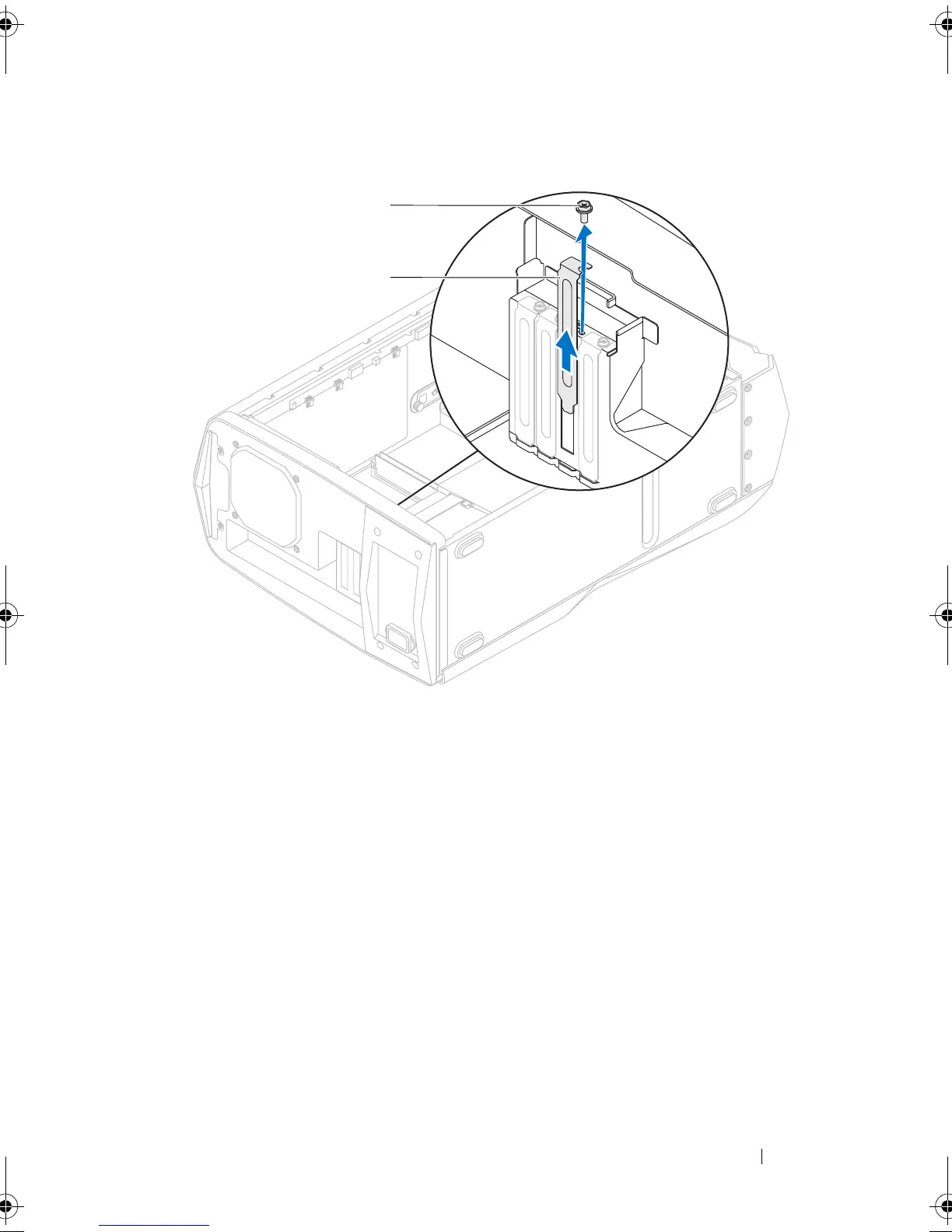
Replace the screw that secures the card to the chassis.
Postrequisites
1
Close the PCI shroud. See "Closing the PCI Shroud" on page 46.
1 screw 2 filler bracket
book.book Page 51 Wednesday, May 16, 2012 2:37 PM











 To Next Page