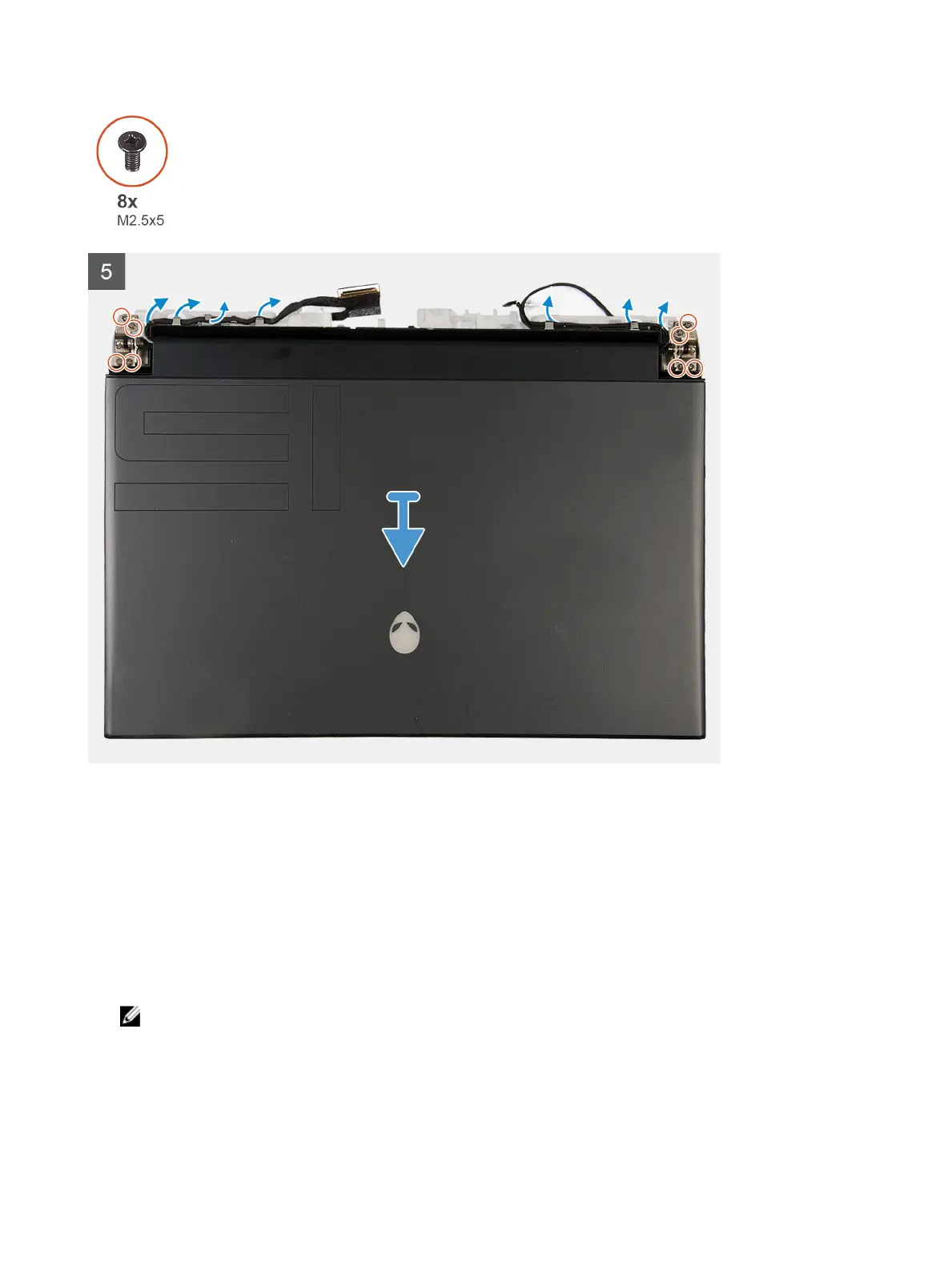
Steps
1 Peel the Mylar covering the system board.
2 Remove the screw (M2x3) that secures the wireless card bracket to the left I/O-board.
3 Lift the wireless card bracket o the left I/O-board.
4 Disconnect the antenna cables from the wireless card.
5 Peel the tapes securing the antenna cables to system board and left fan.
6 Remove the antenna cables from the routing guides on the left fan and system board.
7 Lift the latch and disconnect the display cable from the connector on the system board.
8 Disconnect the G-sensor cable from the connector on the system board.
9 Disconnect the Tobii eye tracker cable from the connector on the system board.
NOTE: This step is only applicable to computers shipped with a Tobii eye tracker.
10 Place the computer face up.
22









 To Next Page