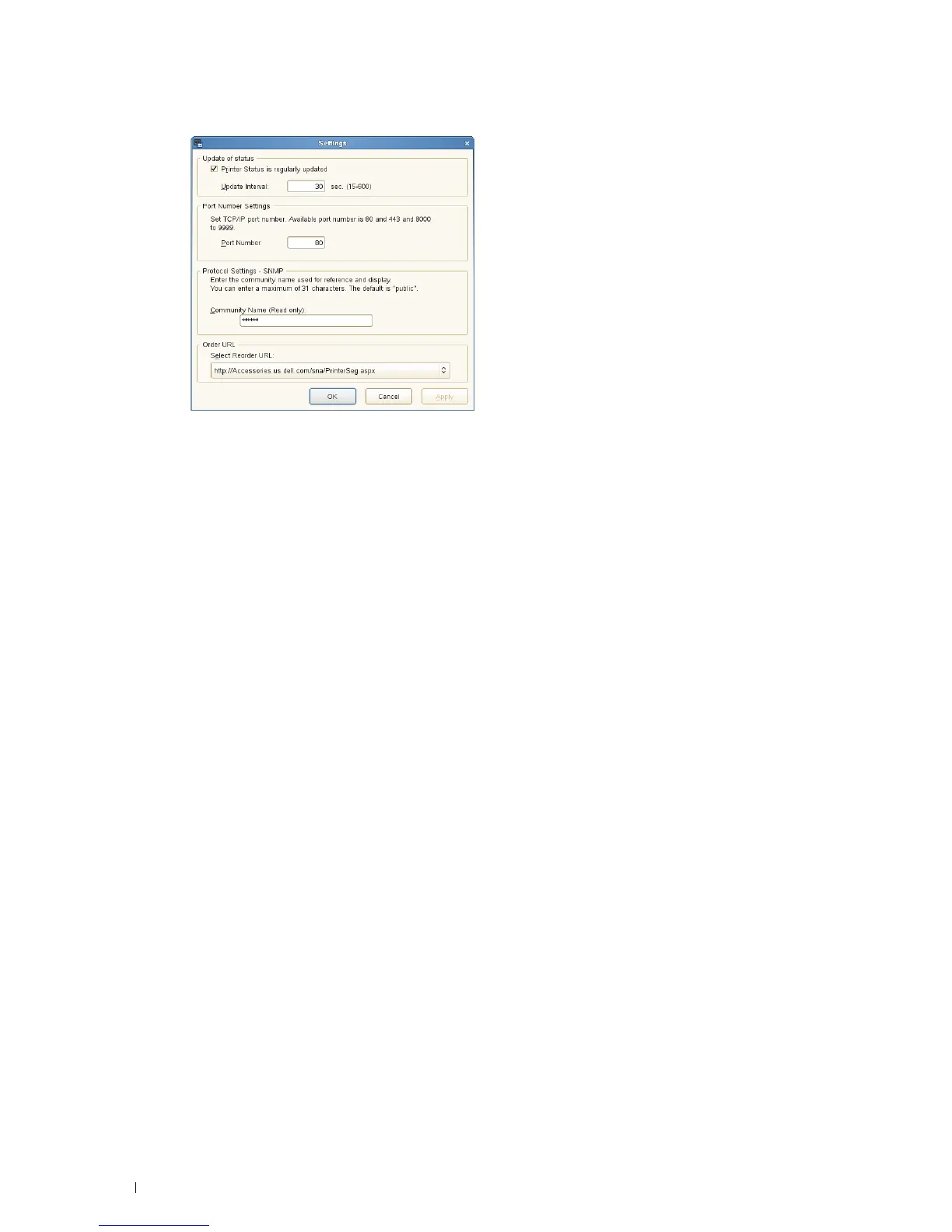
Update of status
•
Printer Status is regularly updated
check box
Select the check box to enable/disable the printer status to be updated by the specified interval.
•
Update interval
text box
Specify the update interval of the printer status.
Port Number Settings
• Port Number
Specify the port number in the
Port Number
text box to open the setting page of your printer in a web browser.
Protocol Settings - SNMP
• Community Name
Enter the Community name of SNMP in the
Community Name
text box.
Order URL
• Select Reorder URL
The selected URL address is set as default web site for the
Select Reorder URL
in the
Dell Supplies Management
System
window.
Understanding Your Printer Software 244














 To Next Page