Network Connection
To connect the printer to a network:
1
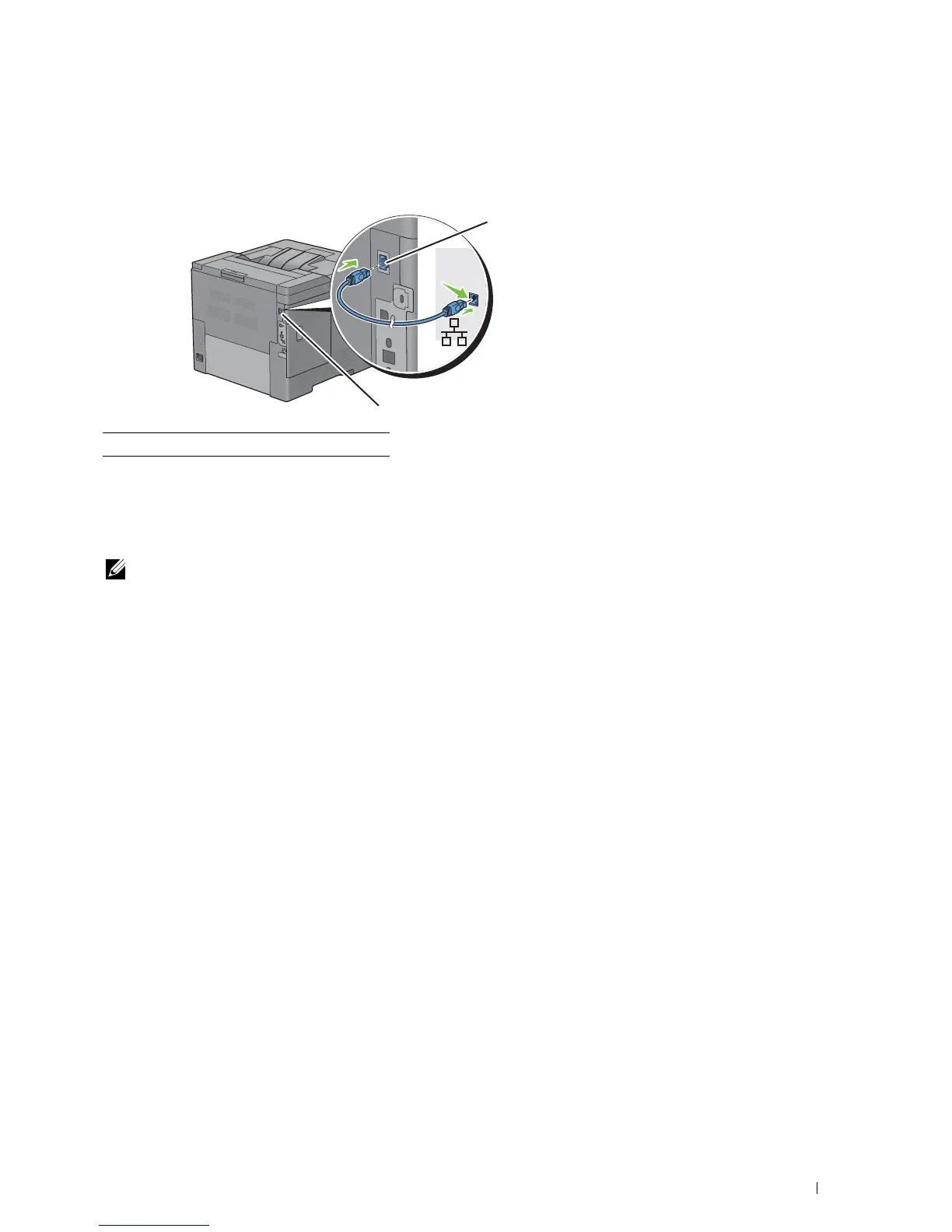
Connect the Ethernet cable.
To connect the printer to the network, connect one end of an Ethernet cable into the Ethernet port on the rear of
the printer, and the other end to a LAN drop or hub. To setup a wireless connection, insert the wireless adapter into
the wireless adapter socket on the back of the printer.
For a wireless connection, see "Installing the Optional Wireless Adapter."
NOTE: To use the wireless adapter, be sure to disconnect the Ethernet cable.
1 Ethernet port
1
1
Connecting Your Printer 53














 To Next Page