Identifying the Location of Paper Jams
WARNING: Do not attempt to clear any jams using tools or instruments. This may permanently damage the printer.
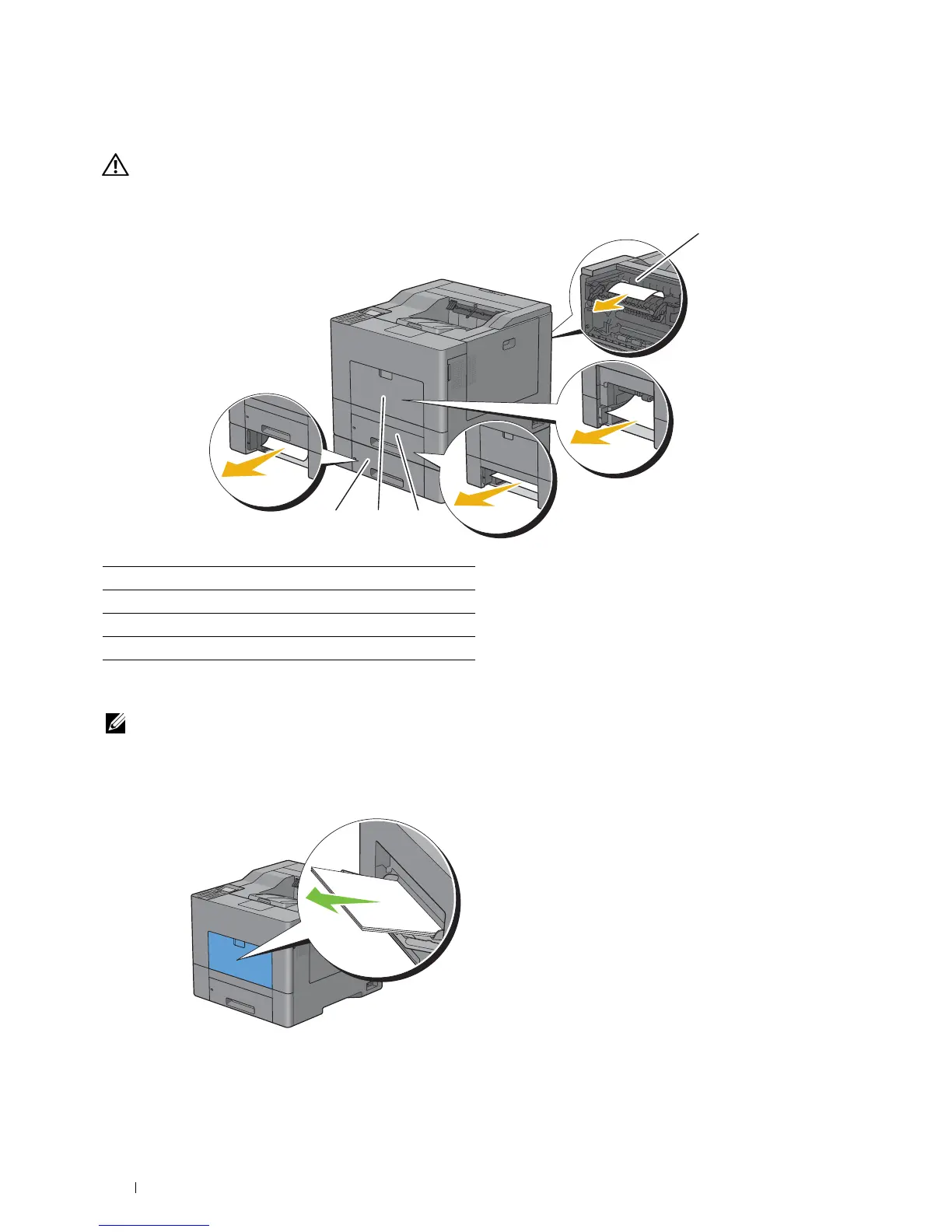
The following illustration shows where paper jams may occur along the print media path.
1
4 3 2
1 Fusing Unit
2 Tr ay 1
3 MPF
4 Optional 550-Sheet Feeder
Clearing Paper Jams From the MPF
NOTE: To resolve the error displayed on the LCD panel, you must clear all print media from the print media path.
If error code: 050-112 appears:
1
Remove any paper loaded on the MPF
Clearing Jams 308














 To Next Page