Cleaning Inside the Printer
Cleaning the CTD Sensor
Clean the Color Toner Density (CTD) sensor only when an alert for the CTD sensor is shown on the Status Monitor
or LCD panel screen.
1
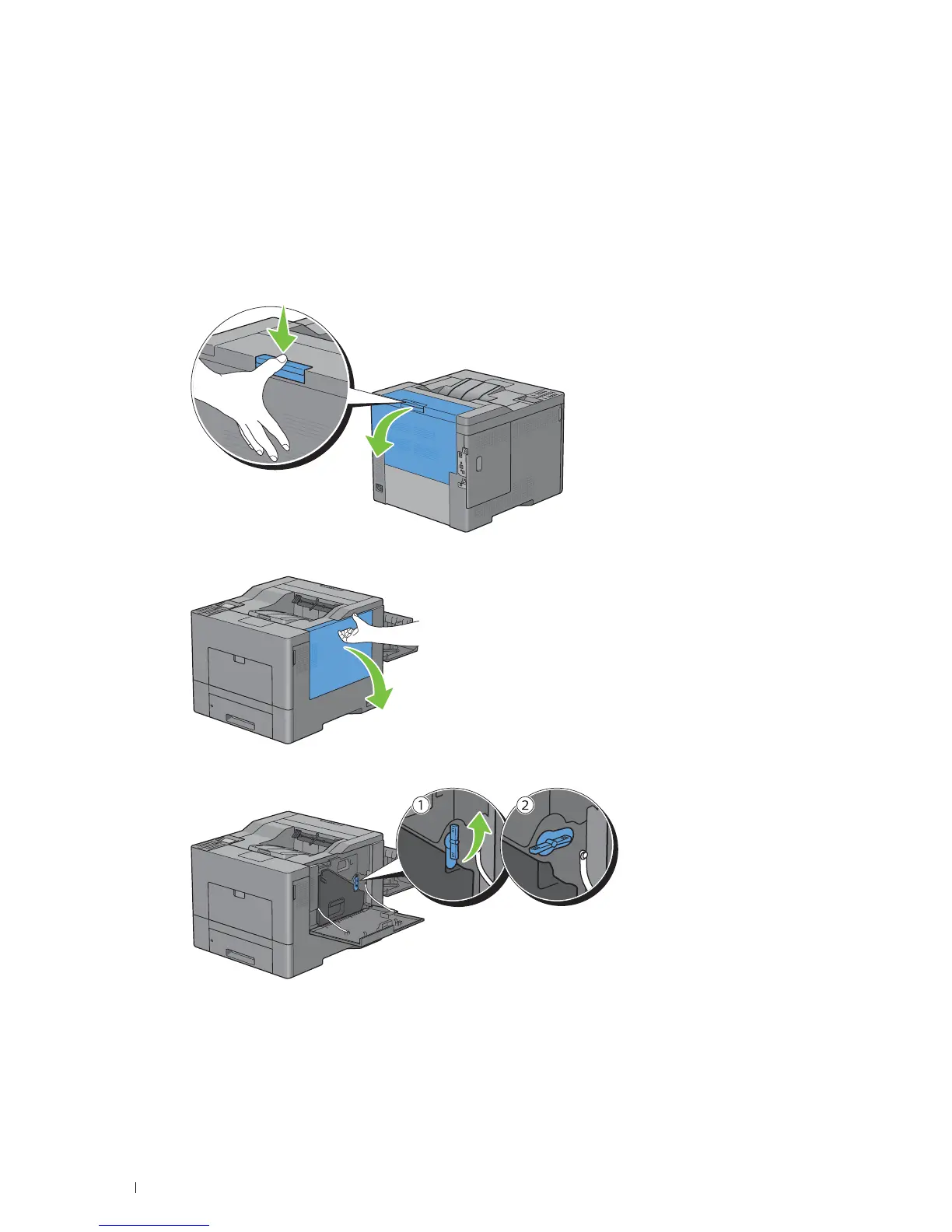
Ensure that the printer is turned off.
2
Push down the latch to open the rear cover.
3
Open the right side cover.
4
Turn the waste toner box lock lever 90-degrees counterclockwise to unlock the waste toner box.
Maintaining Your Printer 290














 To Next Page