9
1
Loading Paper
NOTE: To avoid paper jams, do not remove the tray while printing is in progress.
NOTE: The Software and Documentation disc also contains video instructions. On Dell Printer Setup, click Installation Video.
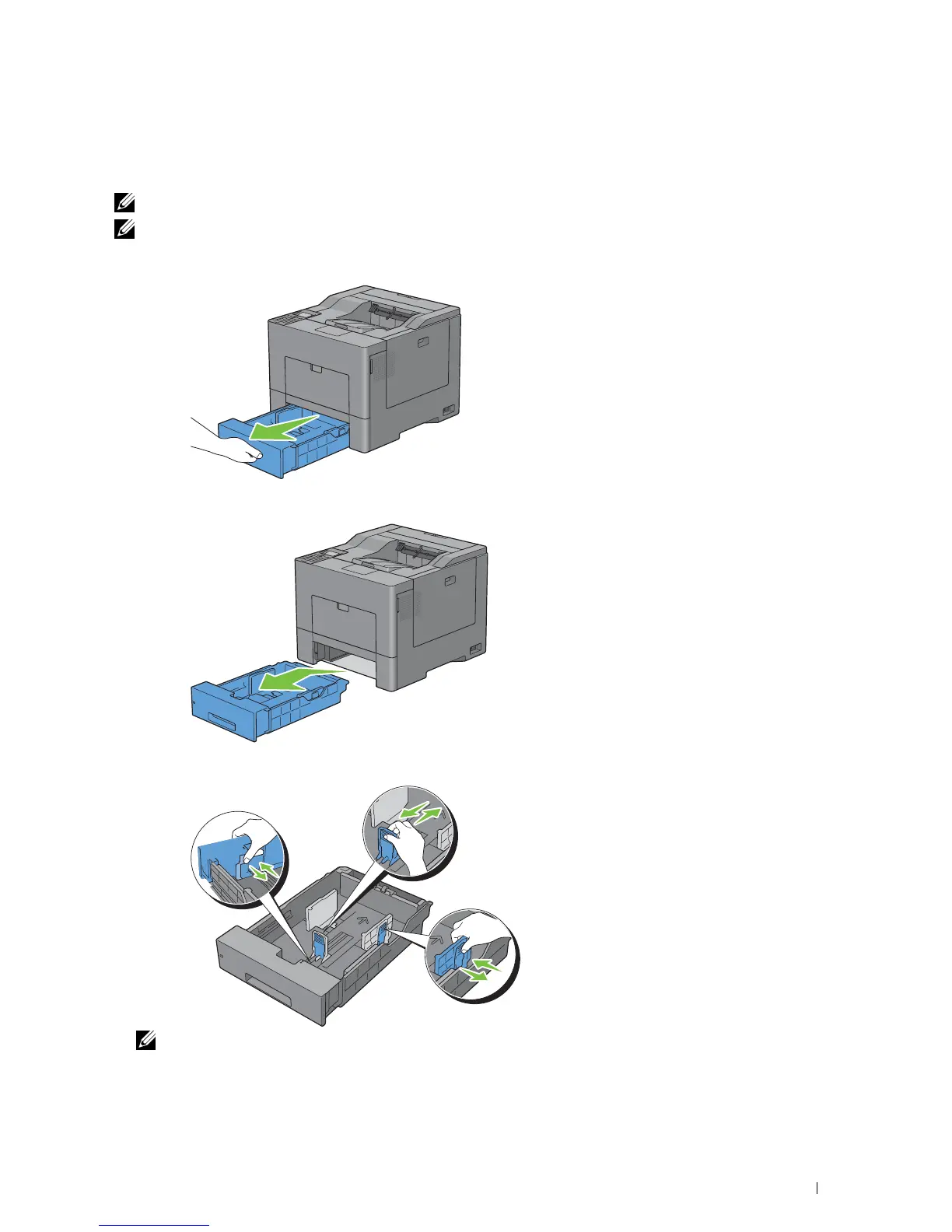
Pull the tray out of the printer about 200 mm.
2
Hold the tray with both hands, and remove it from the printer.
3
Adjust the paper guides.
NOTE: Extend the front side of the tray when you load Legal-size paper.
Loading Paper
61














 To Next Page