6
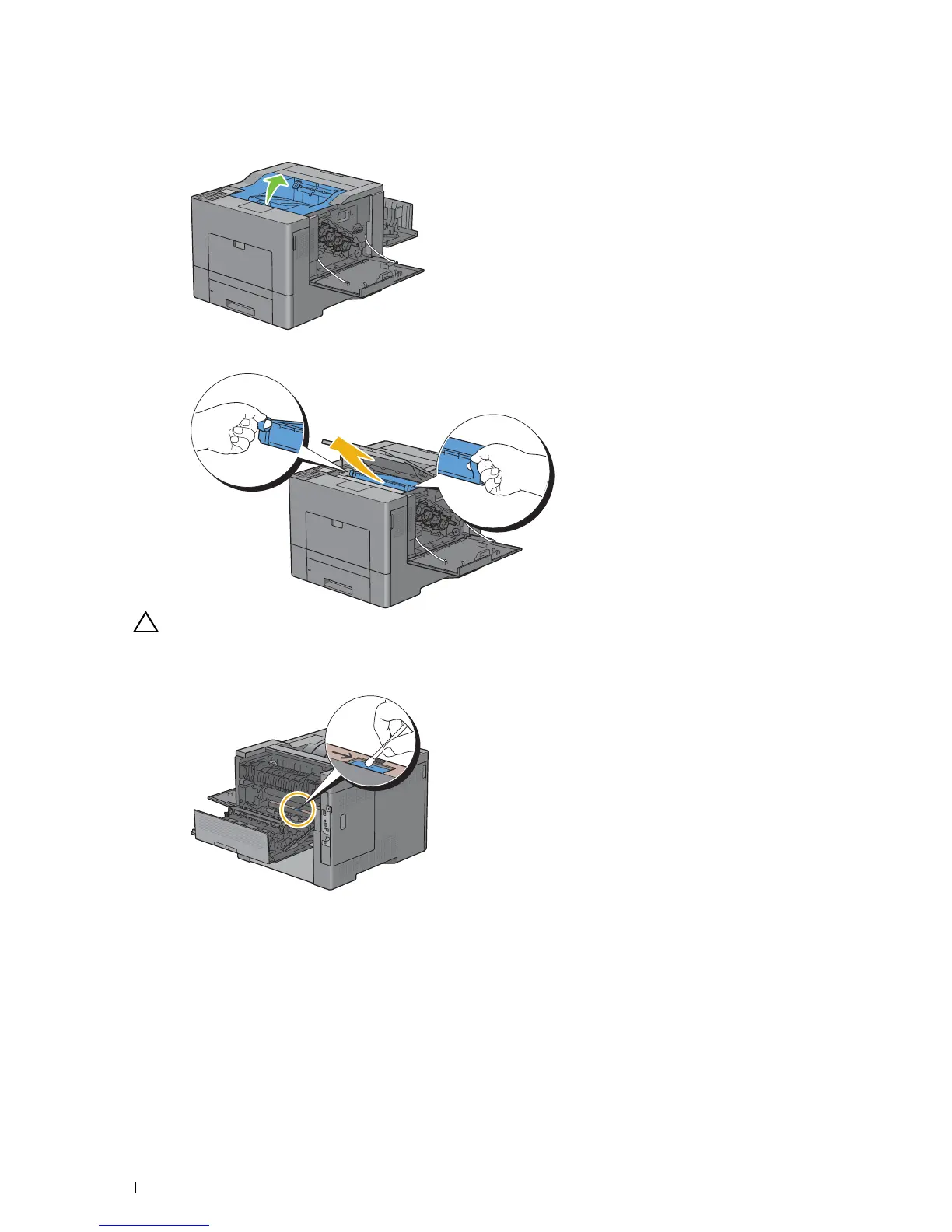
Open the top cover.
7
Put your fingers through the loops on both sides of the transfer belt unit, and then pull it out.
CAUTION: If you cannot pull out the unit from the printer, make sure that all of the above procedures are performed
properly.
8
Clean the CTD sensor (as shown) with a clean, dry cotton swab.
Maintaining Your Printer 282














 To Next Page