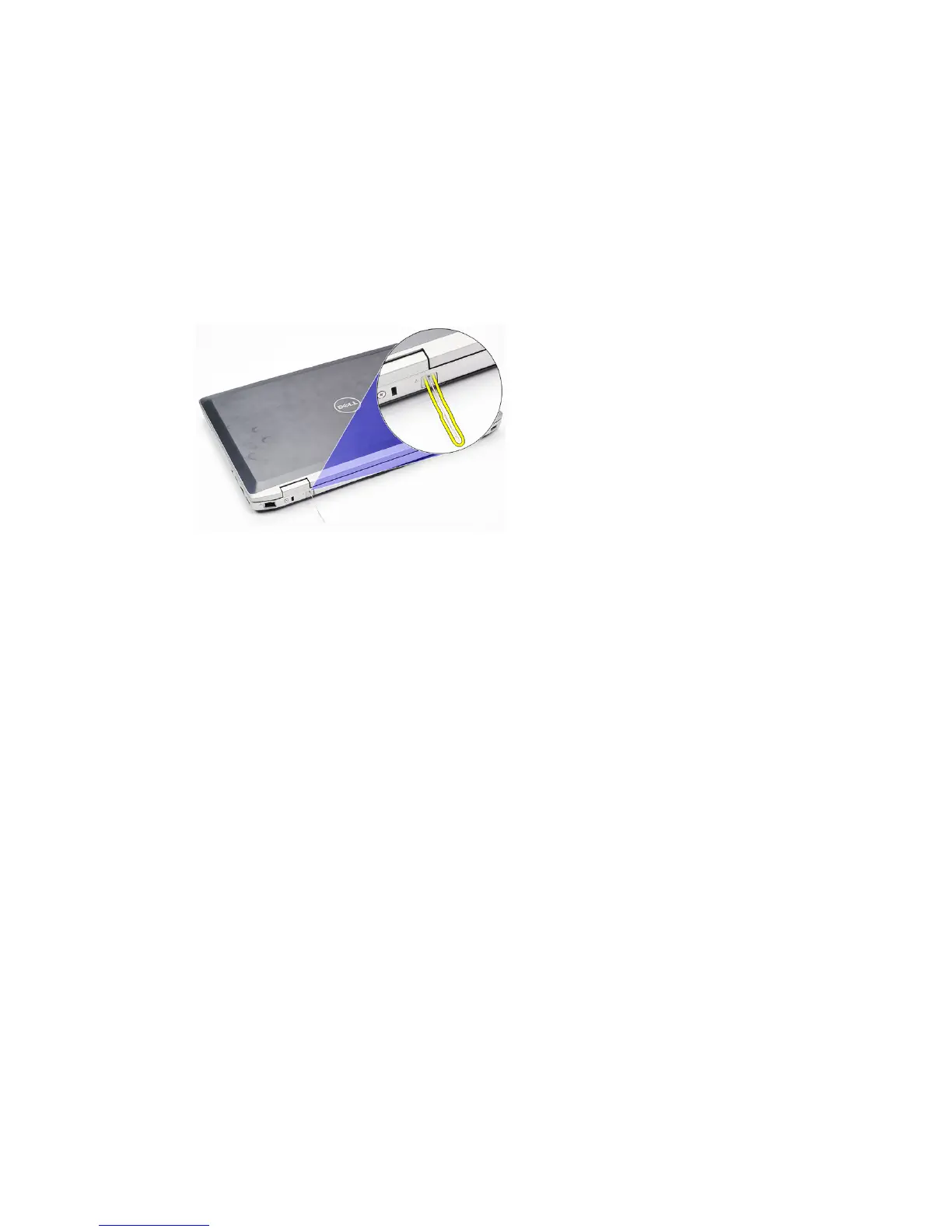
Modem Connector Plug 4
Removing The Modem Connector Plug
1. Follow the procedures in
Before Working On Your Computer
.
2. Insert a paper clip into the hole to pop out the modem connector plug.
Installing The Modem Connector Plug
1. Insert and push in the modem connector plug into the modem port.
2. Follow the procedures in
After Working Inside Your Computer
.
17















 To Next Page