Display Assembly 29
Removing The Display Assembly
1. Follow the procedures in
Before Working On Your Computer
.
2. Remove the
battery
.
3. Remove the
base cover
.
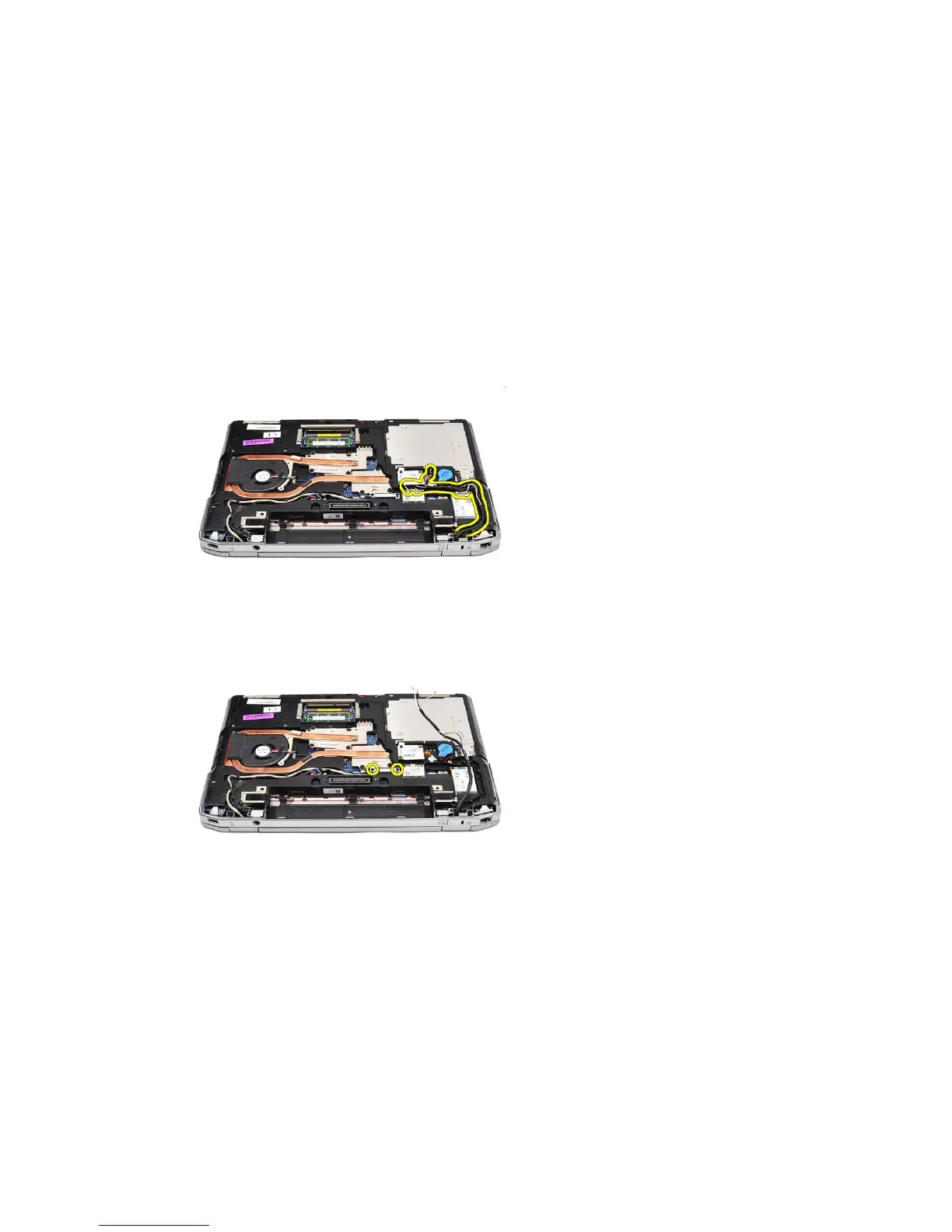
4. Release the antenna cables from the computer.
5. Remove the screws that secures the low-voltage differential signaling
(LVDS) support bracket.
6. Lift up and remove the LVDS support bracket.
83















 To Next Page