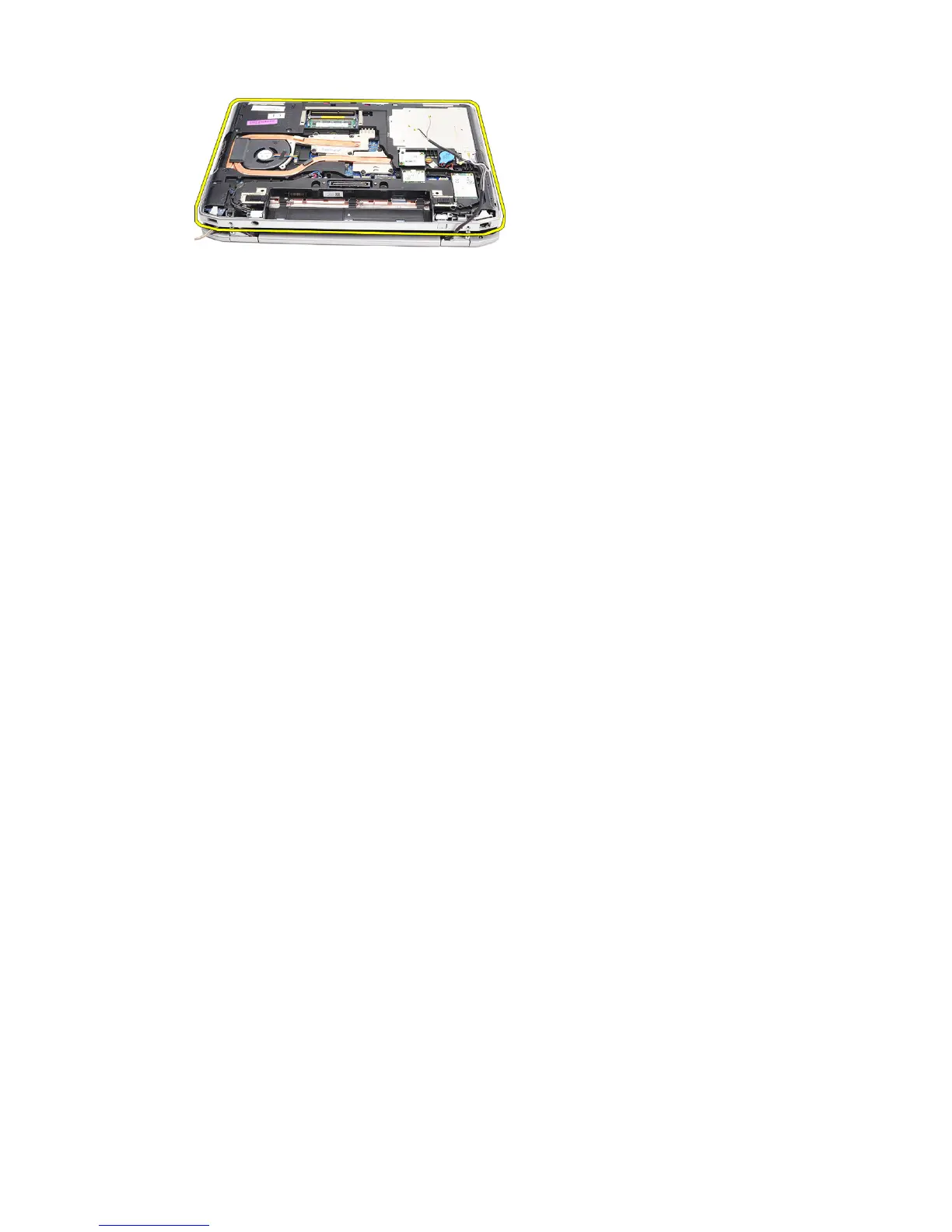
Installing The Display Assembly
1. Insert the low-voltage differential signaling (LVDS) cable and wireless
antenna cables through the holes on the bottom base chassis.
2. Attach the display assembly hinges to the bottom base chassis.
3. Replace and tighten the screws to secure the display assembly to the
computer.
4. Route the LVDS cable along its compartment and connect the connector to
the system board.
5. Install the LVDS bracket.
6. Tighten the screws to secure the bracket in place.
7. Route the Wireless Local Area Network (WLAN) and/or Wireless Wide
Area Network (WWAN) antennae along their compartments and connect
the antennae to the WLAN and/or WWAN module.
8. Install the
base cover
.
9. Install the
battery
.
10. Follow the procedures in
After Working Inside Your Computer
.
86















 To Next Page