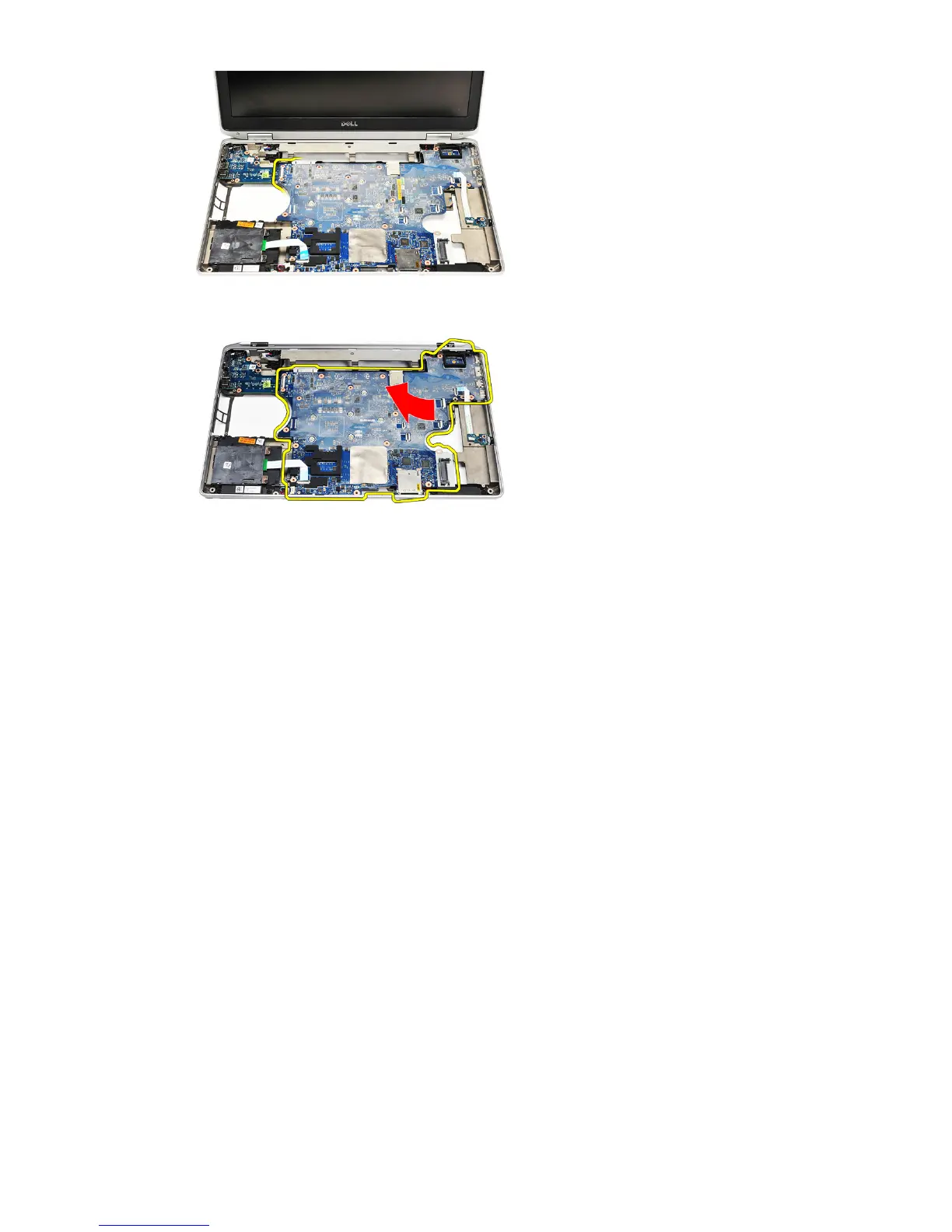
27. Lift and slide the system board out of the computer.
Installing The System Board
1. Align the system board into its original position on the computer.
2. Replace and tighten the screws to secure the system board to the
computer.
3. Route and connect the following cables the system board:
• LVDS
• camera/microphone
• touchscreen (if applicable)
• speaker
• wireless switch board
• smart card reader
• coin-cell battery
72















 To Next Page