Modem Connector 14
Removing The Modem Connector
1. Follow the procedures in
Before Working On Your Computer
.
2. Remove the
battery
.
3. Remove the
secure digital (SD) Card
.
4. Remove the
base cover
.
5. Remove the
modem card
.
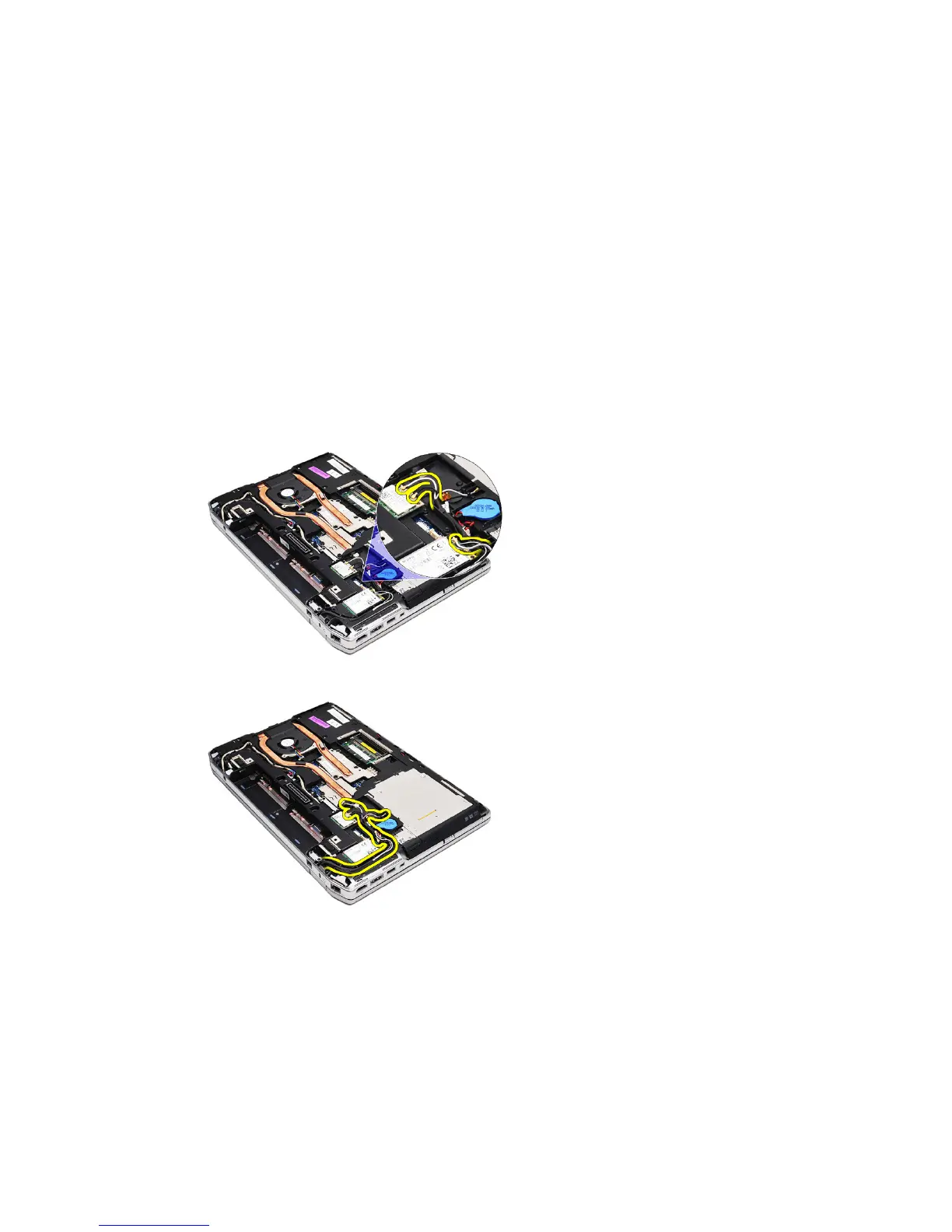
6. Disconnect the antenna cables.
7. Unthread the antenna cables from the route.
8. Unthread the modem cable.
39















 To Next Page